YouTube is more than a platform; it's a competitive ecosystem where efficiency and optimization separate thriving channels from stagnant ones. Juggling research, search engine optimization (SEO), analytics, and content creation can quickly become overwhelming for creators at any level. The right tools, however, can transform this workflow from a chaotic scramble into a streamlined, data-driven process, allowing you to focus on what truly matters: creating compelling content.
This comprehensive guide moves beyond generic feature lists to provide a deep dive into the best Chrome extensions for YouTubers. We will explore a curated selection of tools designed to enhance every stage of your creative process, from initial idea generation to post-publication analysis. We'll examine powerful extensions like TubeBuddy and vidIQ for channel management, Keywords Everywhere for SEO research, and innovative tools like Glasp for content summarization. Each entry includes an honest assessment of its strengths and weaknesses, practical use-case scenarios, and clear screenshots to illustrate its functionality.
Forget sifting through countless options in the Chrome Web Store. This article is your definitive resource for finding the perfect extensions to match your specific needs as a creator. Whether you're a new vlogger trying to find your footing or a seasoned pro looking to refine your strategy, these browser-based tools are your secret weapon for creating smarter, growing faster, and reclaiming hours of valuable time. Let’s explore how to integrate these powerful assistants directly into your browser to unlock your channel's full potential.
1. ViewsMax YouTube Video Title Generator
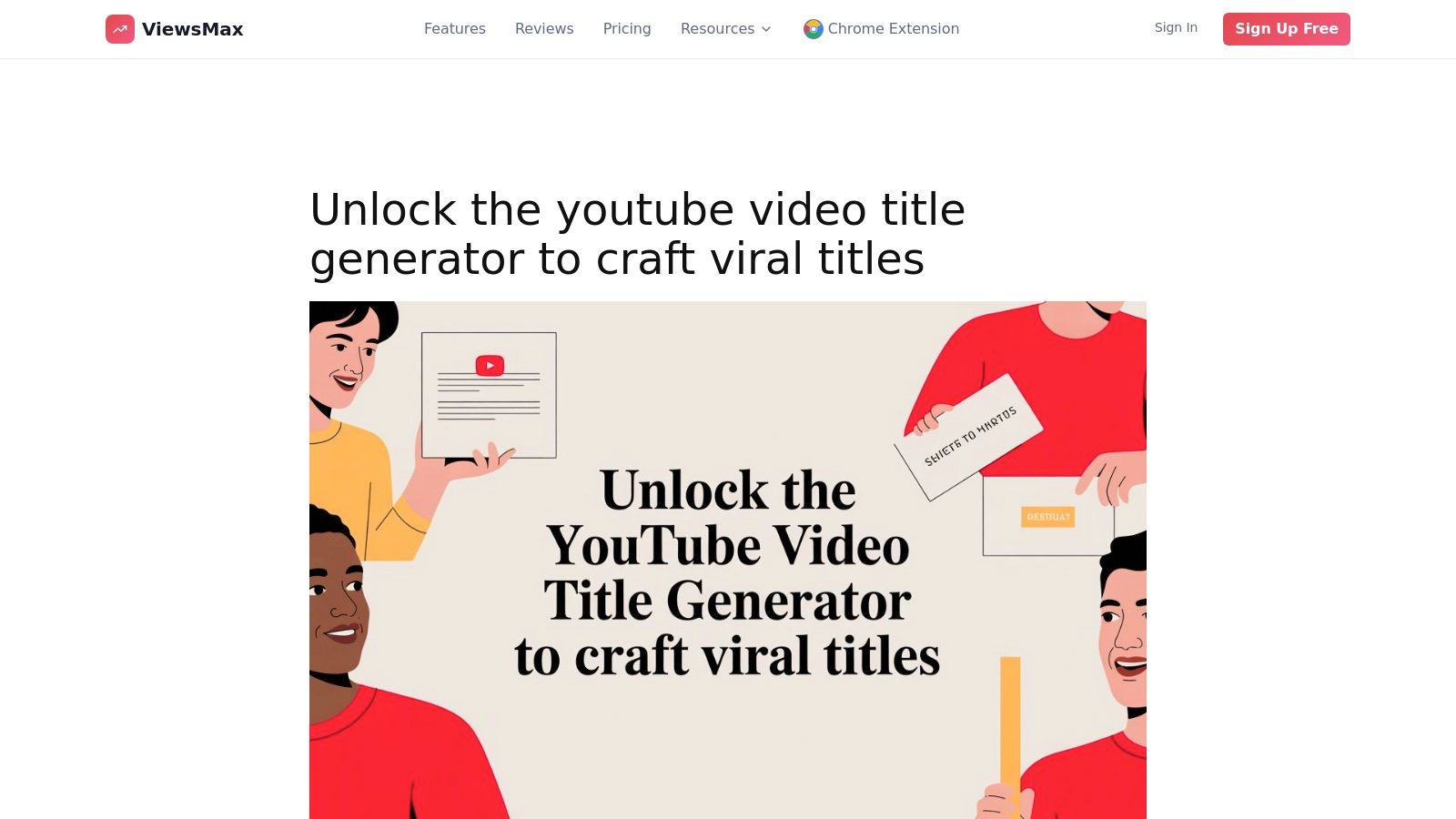
For creators who understand that a video’s success often hinges on its title, the ViewsMax YouTube Video Title Generator is an indispensable tool. It distinguishes itself by seamlessly integrating an AI-powered brainstorming engine directly into the YouTube Studio upload interface. This eliminates the disruptive workflow of switching between your channel dashboard and external idea generators, making it one of the best chrome extensions for YouTubers focused on efficiency and optimization.
Instead of facing a blank title field, you can instantly generate a list of compelling, data-informed title options tailored to your video's content. The extension analyzes best practices and successful title formats, providing suggestions designed to maximize click-through rates (CTR) and improve discoverability in YouTube’s search and recommendation algorithms.
Why It Stands Out as a Top Choice
What makes ViewsMax a standout is its deep integration and practical application. The one-click insertion feature is a significant time-saver, allowing you to apply a chosen title directly to your upload without any manual copy-pasting. This seemingly small function streamlines the publishing process, reducing friction and helping you maintain creative momentum.
Furthermore, it's not just a standalone title tool. It functions as a key component of the broader ViewsMax creator suite, which includes tools for tag generation and description optimization. This cohesive ecosystem ensures your on-page SEO is aligned from title to tags, creating a powerful, unified strategy for every video.
Real-World Application: Imagine you've just finished editing a complex tutorial on "Advanced Photoshop Techniques." Instead of brainstorming from scratch, you can generate 10-15 title variations directly in YouTube Studio. You might get options ranging from "Unlock Photoshop's Hidden Tools" to "5 Pro-Level Photoshop Tricks You Never Knew," giving you immediate, optimized choices to test.
Key Features & Considerations
| Feature | Description | Best For |
|---|---|---|
| In-Studio AI Generation | Generates title ideas directly within the YouTube upload page. | Creators seeking maximum workflow efficiency. |
| One-Click Title Insertion | Applies a selected title to the video's metadata field instantly. | YouTubers publishing content frequently. |
| Data-Informed Suggestions | Provides titles based on proven formats and SEO best practices. | Channels focused on search-based growth. |
| Integrated SEO Toolkit | Works alongside ViewsMax's other tools for tags and descriptions. | Users wanting an all-in-one optimization solution. |
Pros:
- Saves significant time by eliminating context-switching during uploads.
- Suggestions are grounded in data, improving your video's discovery potential.
- Seamless integration into the native YouTube Studio workflow feels intuitive.
- Part of a larger toolkit for comprehensive on-page SEO.
Cons:
- Requires the Google Chrome browser and granting extension permissions.
- AI suggestions are a powerful starting point but may need minor human edits to perfectly match your channel's unique voice.
You can learn more and install the extension at ViewsMax.
2. Chrome Web Store – “Transform YouTube” collection
Before diving into individual tools, the best place to start your search is Google’s own Chrome Web Store, specifically its curated “Transform YouTube” collection. This handpicked list serves as a vetted, centralized hub where creators can discover and compare many of the most popular and effective best chrome extensions for YouTubers, all in one place. It’s the safest and most direct starting point for enhancing your YouTube workflow.
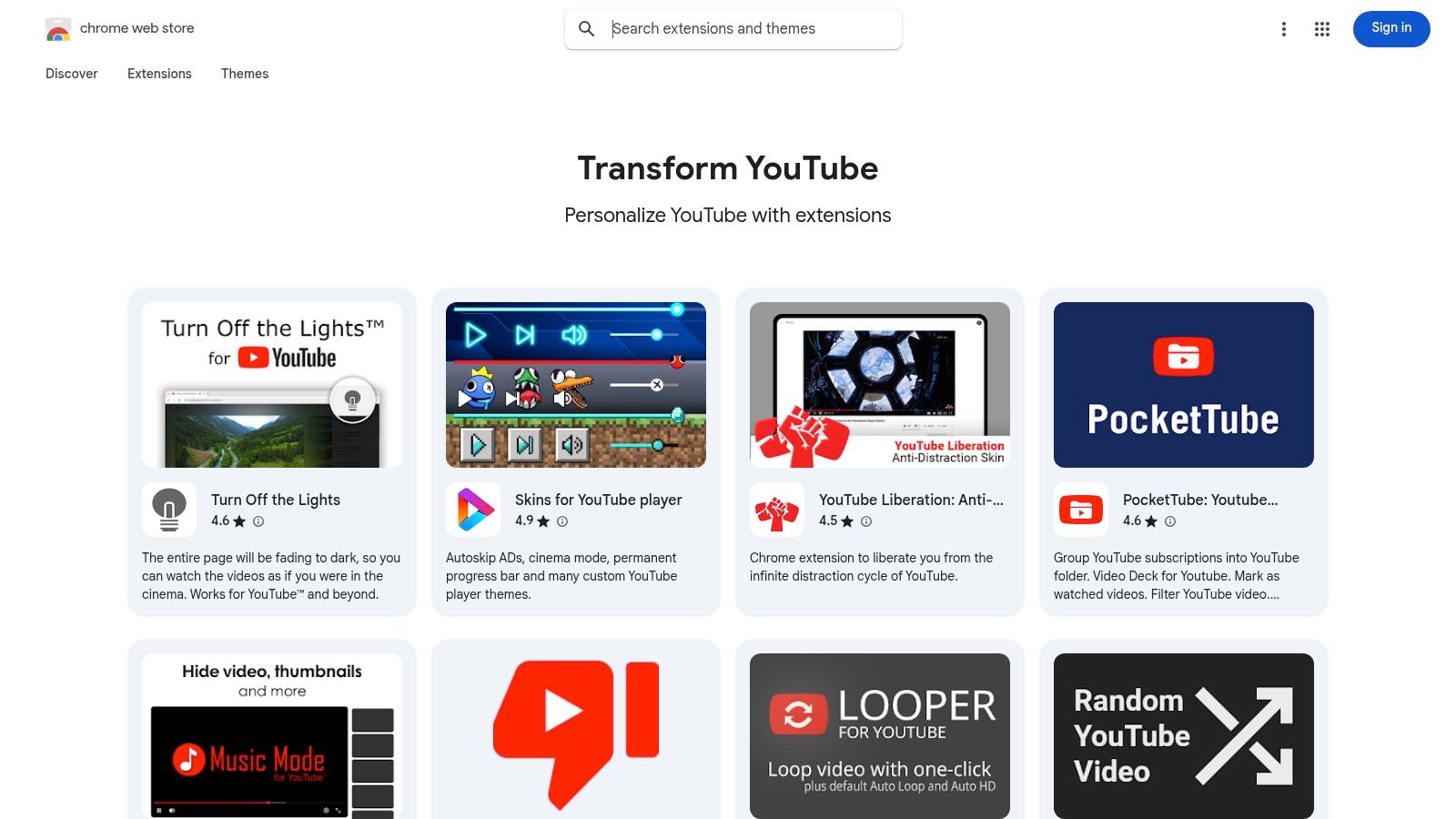
What makes this collection so valuable is the built-in trust and transparency. Every extension listed is verified by Google, and you can instantly see crucial details like user ratings, review summaries, the total number of users, and the last update date. This information allows you to quickly gauge an extension's reliability and popularity without leaving the page. The one-click install process and automatic updates simplify management, especially for creators using multiple Chrome profiles for different channels.
Key Features & Use Cases
- Curated Discovery: The collection aggregates a diverse range of tools, from SEO and analytics overlays to productivity enhancers and video captioning utilities. This saves you from sifting through thousands of unrelated extensions.
- Security First: As the official marketplace, it provides unparalleled security. Permissions required by each extension are clearly listed, so you know exactly what data it can access before you install.
- Side-by-Side Comparison: The standardized layout makes it easy to open multiple extension pages in different tabs and directly compare their features, user counts, and reviews.
Practical Considerations
While the collection is an excellent resource, remember that it isn't exhaustive and the listings can change over time. Additionally, detailed pricing information is often not available directly on the store page; you may need to visit the extension's official website to understand subscription costs.
Website: https://chromewebstore.google.com/collection/youtube
3. TubeBuddy
TubeBuddy is an all-in-one optimization and management toolkit that integrates directly into your YouTube Studio interface. As a browser extension, it acts as a co-pilot for your channel, embedding a powerful suite of tools next to your videos, analytics, and comments. It is one of the most widely adopted and best chrome extensions for YouTubers because it streamlines complex tasks like keyword research, competitor analysis, and bulk metadata updates without ever needing to leave YouTube.
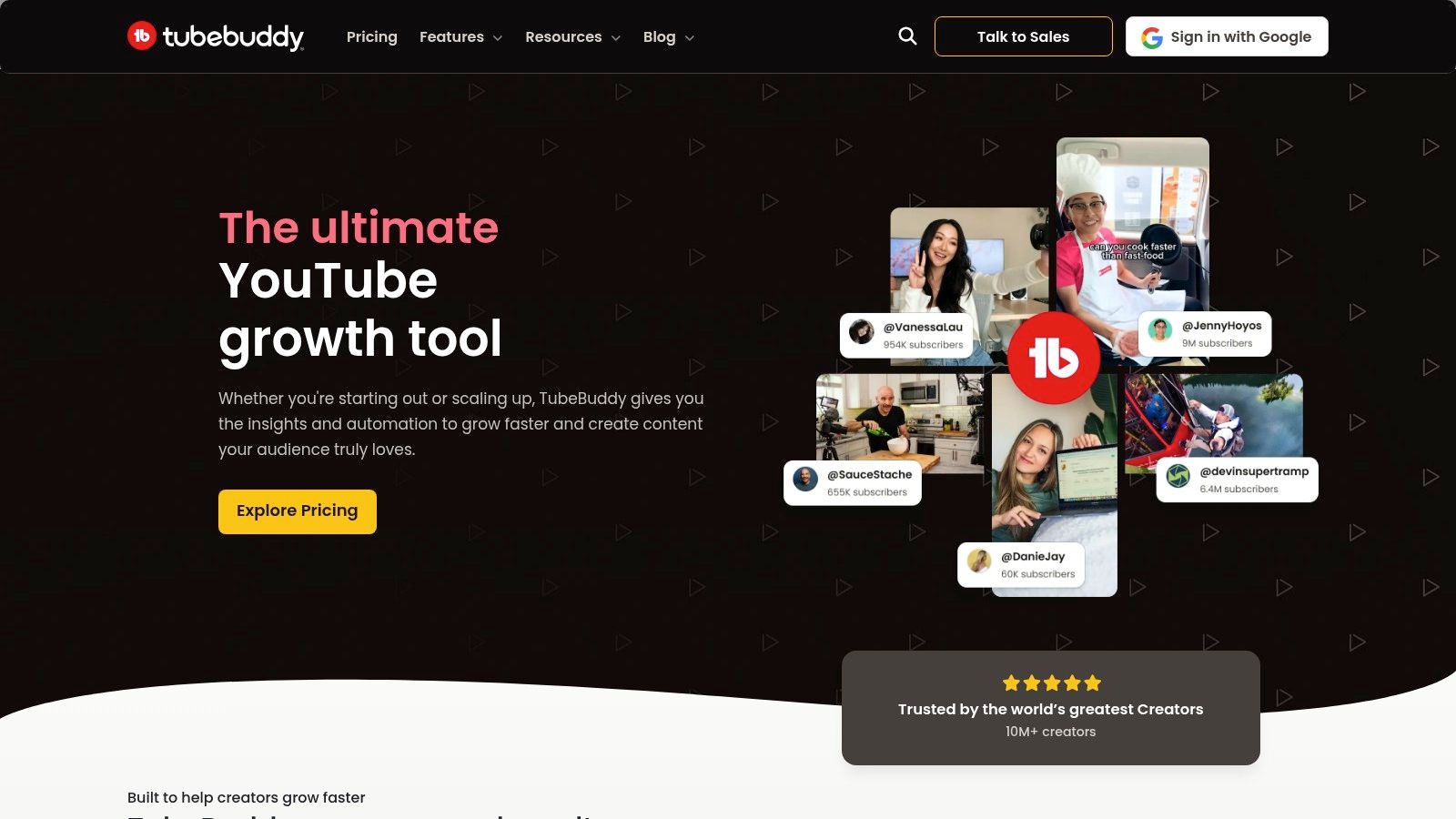
What sets TubeBuddy apart is its focus on workflow efficiency and actionable data. The extension provides real-time SEO scores as you write titles and descriptions, suggests relevant tags based on search volume, and offers an interactive upload checklist to ensure you follow best practices every time. For creators of all sizes, this direct integration transforms the native YouTube dashboard into a more powerful, data-driven command center for channel growth. Its popularity stems from its clear upgrade path, starting with a robust free version and scaling to professional-grade tools.
Key Features & Use Cases
- Keyword Explorer: Research and discover high-value video topics by analyzing search volume, competition, and related queries directly within YouTube.
- A/B Video Testing: Available on paid plans, this feature lets you test different thumbnails, titles, and descriptions to see which version performs best and drives more clicks.
- Bulk Processing Tools: Save hours of manual work by applying changes to cards, end screens, and video descriptions across multiple videos simultaneously.
- SEO Studio: Get guided optimization recommendations as you prepare your video for upload, ensuring you target your chosen keyword effectively for maximum visibility.
Practical Considerations
While the free version offers significant value, many of TubeBuddy's most powerful features, like A/B testing and advanced analytics, are locked behind paid subscriptions. The tool officially ended its support for Firefox, making it a Chrome-first platform, though it also works on Microsoft Edge and other Chromium-based browsers.
Website: https://www.tubebuddy.com
4. vidIQ
vidIQ is an AI-powered growth toolkit designed to provide YouTubers with actionable, data-driven insights directly within the YouTube interface. As one of the most popular best chrome extensions for YouTubers, it adds a comprehensive analytics sidebar to video pages, search results, and your own creator studio. This sidebar gives you an instant, at-a-glance performance overview, including an overall SEO score, keyword rankings, and competitor benchmarks.
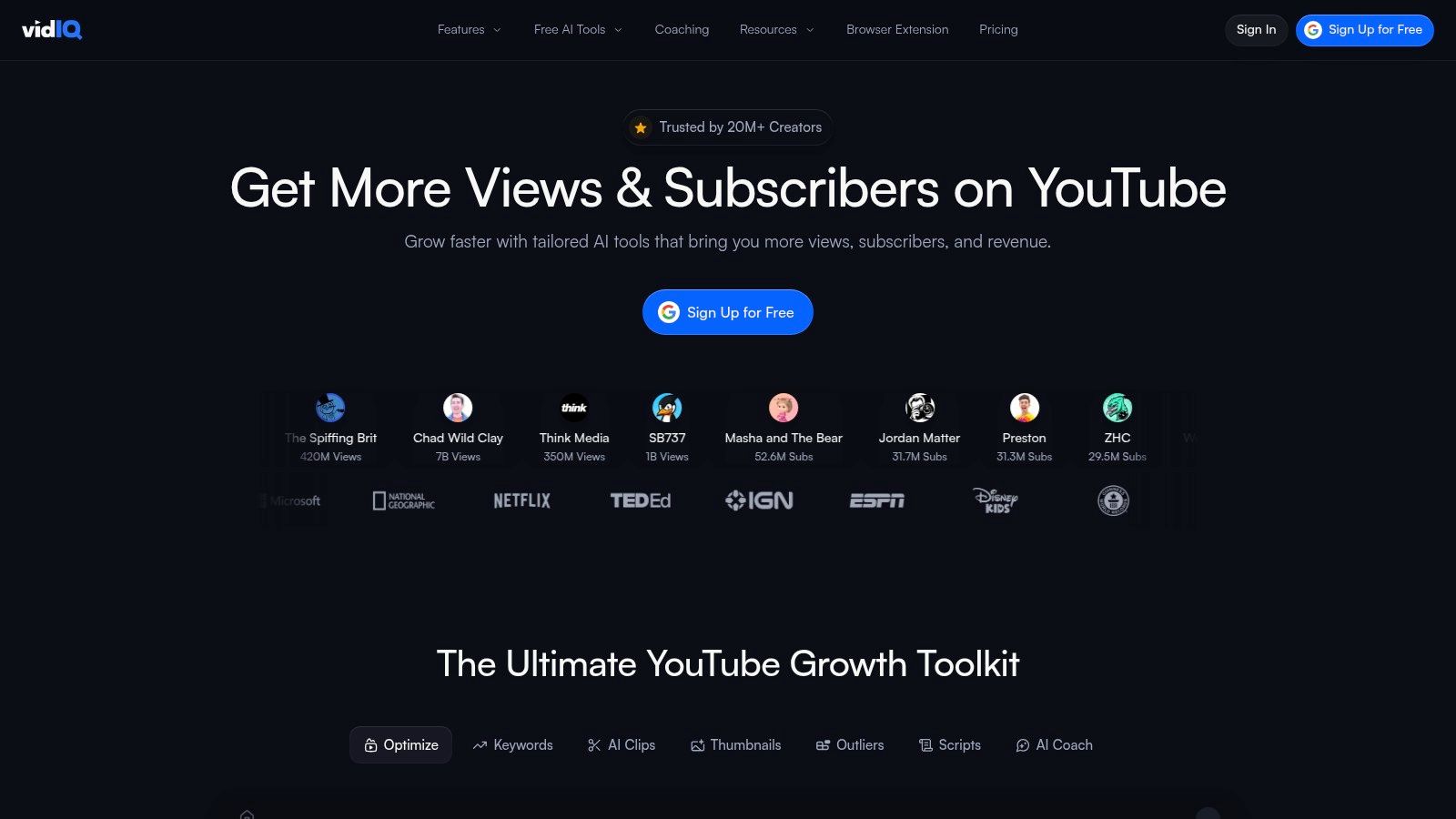
What sets vidIQ apart is its blend of real-time data and AI-driven recommendations. The extension not only shows you how a video is performing but also suggests actionable steps to improve it. Features like the AI Coach and Daily Ideas provide personalized topic suggestions and title recommendations based on your channel's niche and audience behavior, making it a proactive partner in your content strategy. This integration of analytics with creative assistance helps bridge the gap between understanding data and implementing it effectively.
Key Features & Use Cases
- Real-Time SEO Scorecard: Instantly see a video’s optimization score (out of 100) and get a checklist of improvements, perfect for analyzing both your own content and that of competitors.
- Competitor Analysis: Quickly view key metrics like views per hour, engagement rates, and top keywords for any video, allowing you to benchmark your performance and identify successful strategies in your niche.
- AI-Powered Idea Generation: The AI Coach and Daily Ideas features suggest video topics and titles with high growth potential, helping you overcome creative blocks and align your content with trending interests. For a deeper understanding of this process, see this guide on how to choose the right YouTube video keywords.
Practical Considerations
While vidIQ offers a robust free tier that is excellent for beginners, many of its most powerful AI features, such as the AI Content Generator and advanced trend alerts, are locked behind paid subscriptions (Pro, Boost, and Max plans). The extension is actively maintained for Chrome and Edge, but users on other browsers might experience limited functionality.
Website: https://vidiq.com
5. Keywords Everywhere
Keywords Everywhere is a freemium keyword research tool that integrates directly into your browser, overlaying valuable search data on YouTube and other major platforms. It excels at providing on-the-spot validation for video topics by showing search volume, cost-per-click (CPC), and competition metrics right within the YouTube search results. This allows creators to gauge audience interest and competition levels without leaving their research workflow.

Unlike comprehensive channel management suites, Keywords Everywhere focuses on one thing and does it well: delivering keyword data where you need it. Its unique credit-based system means you only pay for the data you use, making it a highly scalable option for solo creators or those on a tight budget. Beyond YouTube, it provides insights on Google, Amazon, and other sites, offering a holistic view of a topic's search landscape. Beyond Keywords Everywhere, explore a comprehensive list of the best SEO tools to further enhance your video discoverability on YouTube and beyond.
Key Features & Use Cases
- On-Page Metrics: Instantly view monthly search volume, CPC, and competition data directly under the YouTube search bar and on video pages.
- Keyword Discovery Widgets: Use the "Related Keywords" and "People Also Search For" widgets to find long-tail keyword opportunities and related topic ideas for your content calendar.
- Tag Extraction: Analyze the tags of top-ranking videos to inform your own tagging strategy and improve discoverability.
- Credit-Based Pricing: Purchase credits for on-demand access to detailed metrics, ensuring you only pay for what you need, with credits that last for a year.
Practical Considerations
The free version of the extension is limited, primarily offering related keyword suggestions without the crucial volume and competition data. The pay-as-you-go credit system is cost-effective but requires mindful usage, as credits can be depleted quickly during extensive research sessions if you're not careful.
Website: https://keywordseverywhere.com
6. Social Blade (extension hub)
Social Blade is a household name for YouTubers focused on analytics, and its browser extension brings that powerful data directly into the YouTube interface. It embeds a concise statistics box on video and channel pages, offering a quick-glance view of key performance indicators. This makes it an indispensable tool for competitor analysis, collaboration vetting, and tracking your own channel’s public-facing momentum without leaving YouTube.
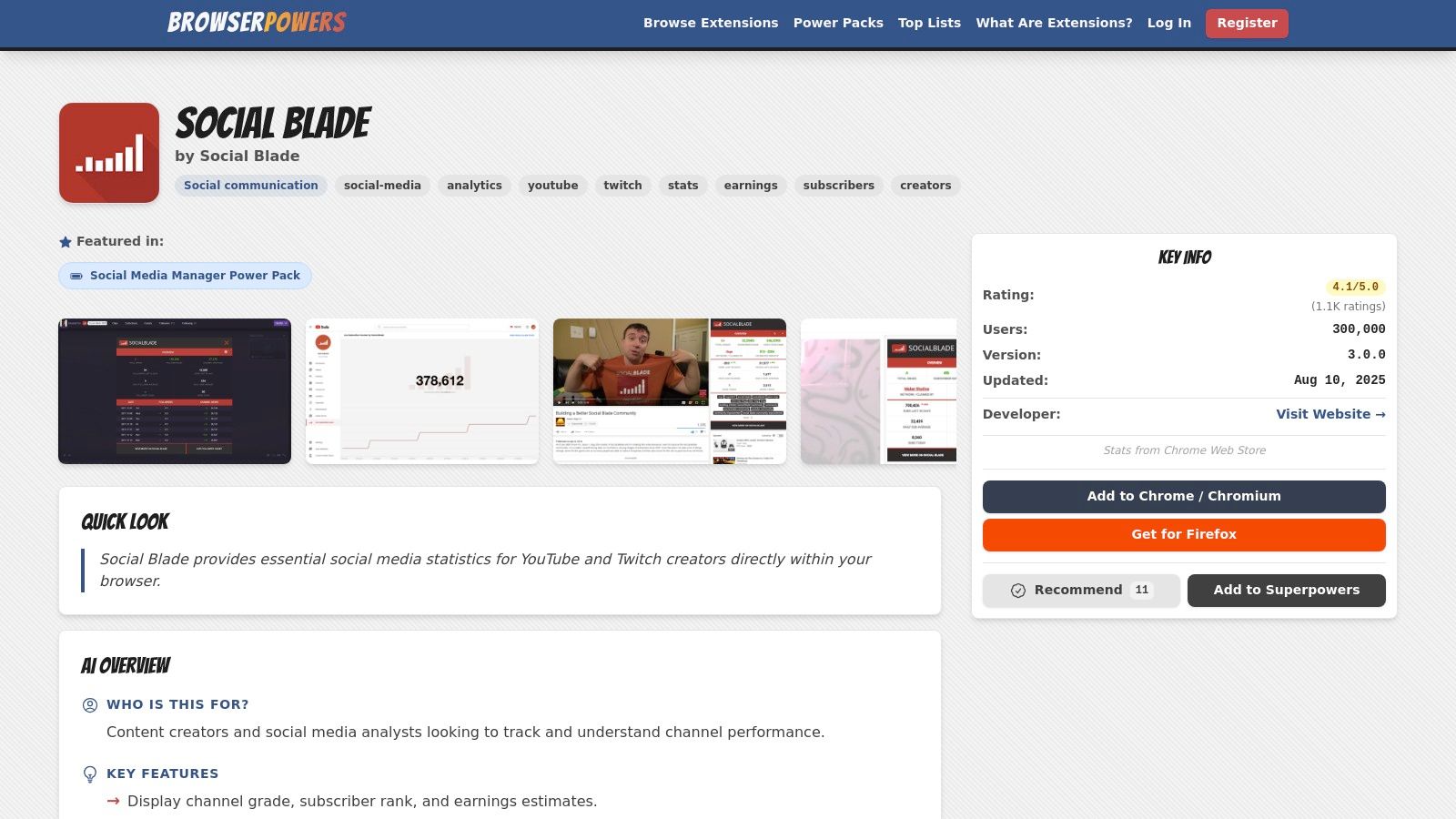
The extension’s main strength lies in its simplicity and the familiarity of its metrics. You can instantly see a channel's "SB Rank," grade, estimated monthly earnings, and recent subscriber and view counts. This immediate context is perfect for creators who need to quickly assess a channel's size and trajectory, turning raw data into one of the best chrome extensions for YouTubers focused on competitive research. Integrating this data directly into your workflow provides essential insights for your own YouTube channel growth tips.
Key Features & Use Cases
- On-Page Channel Snapshot: View a channel’s Social Blade grade, subscriber rank, video view rank, and estimated earnings directly on their YouTube page.
- 30-Day Performance Summary: Quickly check the subscriber and view gains over the last 30 days, providing a clear indicator of a channel's current momentum.
- One-Click Deeper Analysis: The embedded panel includes a direct link to the full Social Blade profile, allowing you to seamlessly transition from a quick overview to an in-depth statistical breakdown.
Practical Considerations
The Social Blade extension has experienced some functionality disruptions as it transitions to Chrome's new Manifest V3 platform. Users might encounter limited features or temporary inconsistencies until the updated version is fully rolled out. While its core "at-a-glance" value remains strong, it's best used as a quick benchmarking tool rather than a comprehensive analytics suite.
Website: https://browserpowers.com/extensions/social-blade
7. Enhancer for YouTube (by Maxime RF)
Enhancer for YouTube is a powerful productivity tool that gives creators and power-viewers granular control over the YouTube interface and playback experience. While not strictly an SEO or analytics tool, it’s invaluable for content research, competitor analysis, and streamlining the process of reviewing footage. Its ability to set defaults and create custom shortcuts makes it one of the best chrome extensions for YouTubers focused on workflow efficiency.
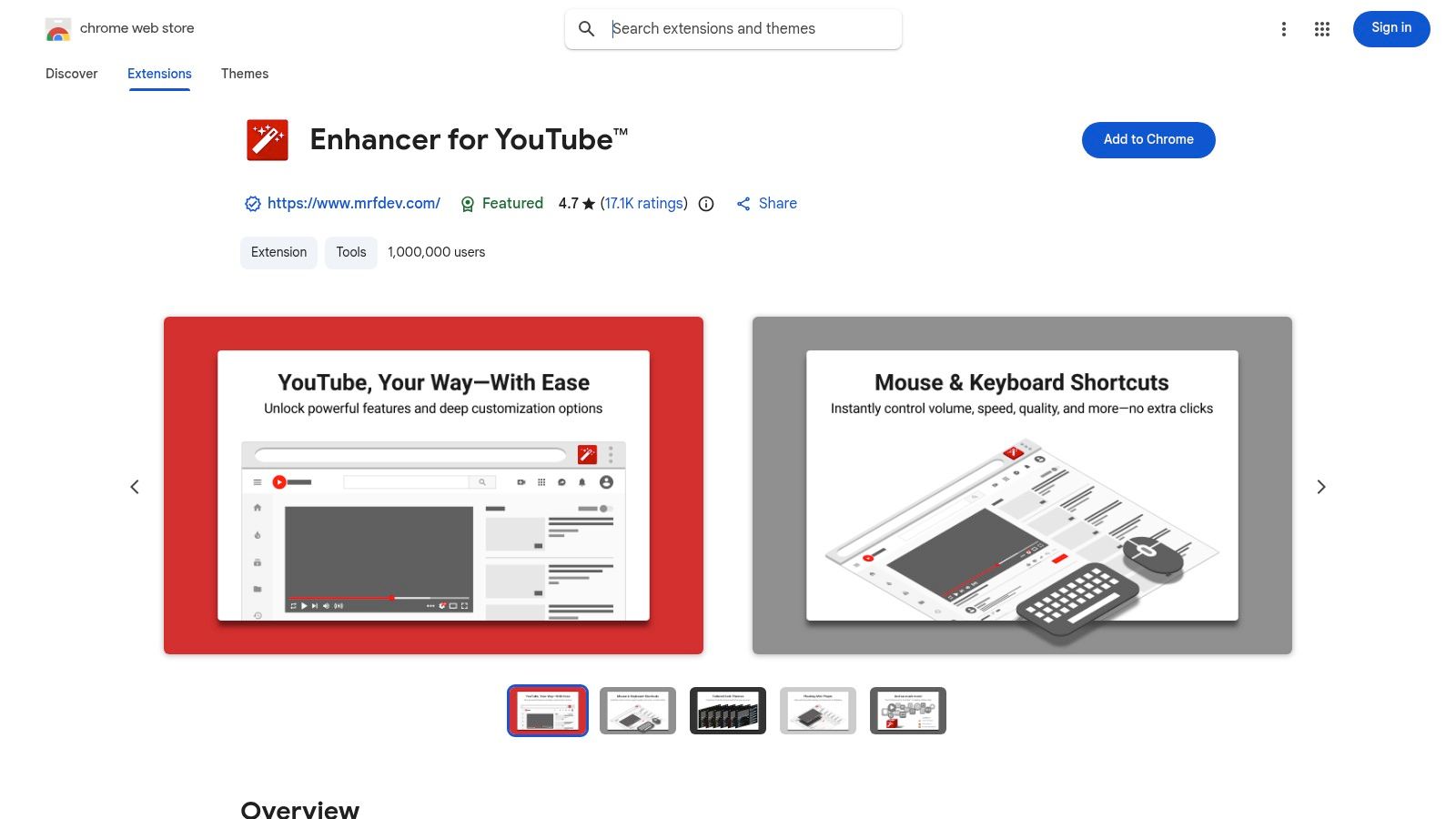
What sets this extension apart is its focus on micro-optimizations that add up to significant time savings. Imagine needing to review hours of competitor content; you can set a default playback speed of 1.5x for all videos, control volume with your mouse wheel, and instantly reverse playlists to watch older content first. These small tweaks remove repetitive clicks and keep you focused on the content itself, not the interface.
Key Features & Use Cases
- Playback Control: Set default playback quality, speed, and volume for every video you open. This is perfect for creators who consistently review B-roll or tutorials and need a standardized setup.
- Custom Shortcuts: Create custom keyboard shortcuts for actions like taking a screenshot, looping a video segment, or navigating frames, which speeds up the video editing and review process.
- UI Customization: Remove UI elements like annotations or end cards to create a cleaner viewing environment, minimizing distractions during content analysis or research.
- Playlist Management: Instantly reverse playlist order or use other playback controls to more efficiently analyze a competitor’s content library from a different perspective.
Practical Considerations
The extension is highly configurable, which can be overwhelming for new users. It's best to start by changing one or two settings at a time. Because it heavily modifies the YouTube UI, its features can sometimes break or behave unexpectedly after a major YouTube platform update, though the developer is generally quick to release fixes.
Website: https://chromewebstore.google.com/detail/enhancer-for-youtube/ponfpcnoihfmfllpaingbgckeeldkhle
8. Glasp – YouTube Summary & Highlighter
Glasp is an indispensable research tool that transforms how creators consume and repurpose video content. It allows you to highlight text directly from YouTube transcripts and take timestamped notes, effectively turning passive video watching into an active research session. This is incredibly useful for drafting video outlines, collecting sources for commentary, or creating detailed show notes without leaving the YouTube player.
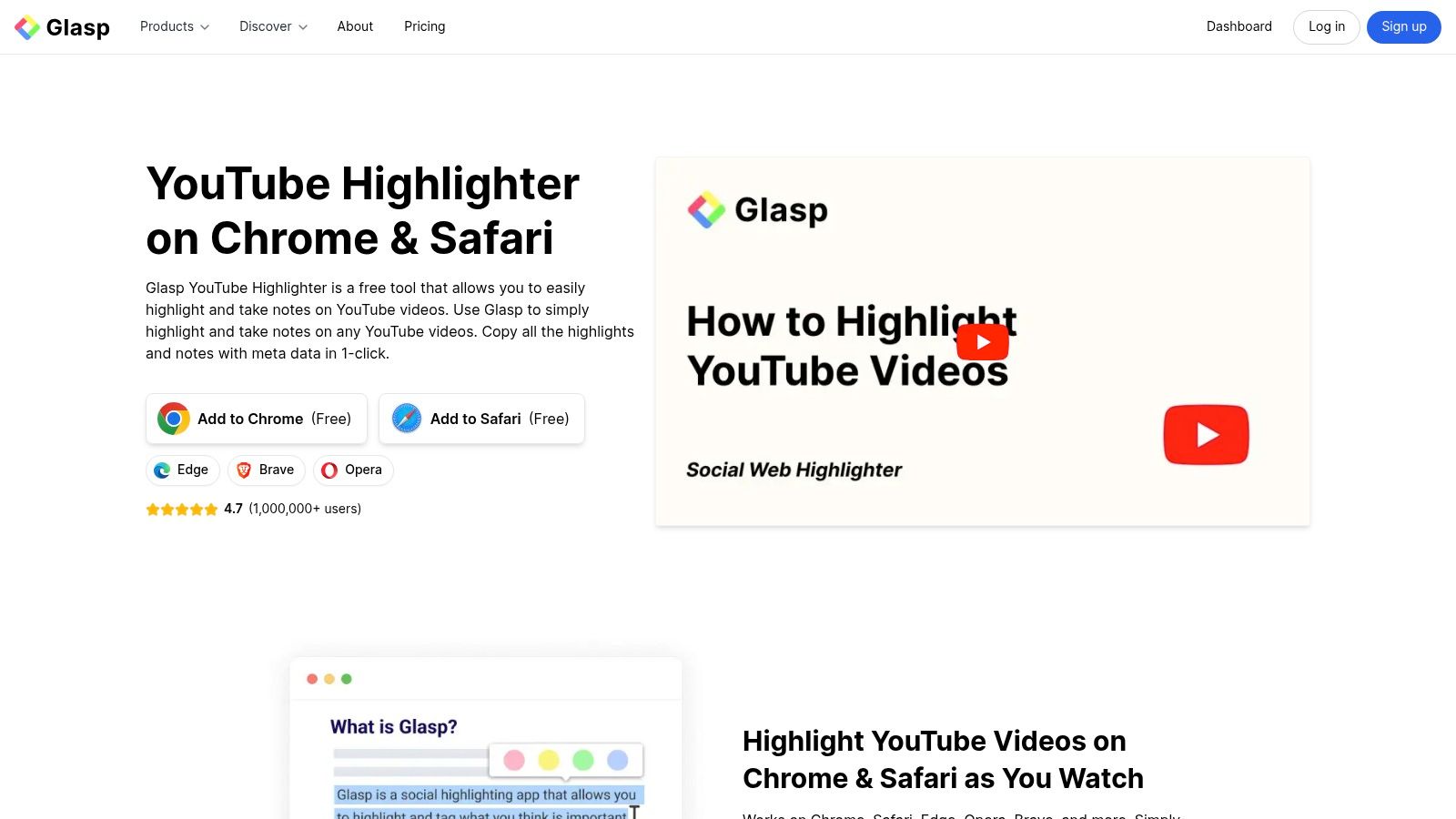
What makes Glasp one of the best chrome extensions for YouTubers is its seamless integration of transcription, note-taking, and AI-powered summarization. A dedicated sidebar appears next to the video, showing the full transcript and an AI summary panel. Creators can quickly generate a concise overview of any video, saving hours of manual research and helping to rapidly build a knowledge base for their next project. All highlights and notes are synced to a personal online hub for easy access.
Key Features & Use Cases
- Timestamped Notes & Highlights: Select key phrases from a video’s transcript and add your own notes, which are automatically linked to the exact timestamp for quick reference.
- One-Click AI Summaries: Generate summaries using AI models like ChatGPT, Claude, or Gemini directly on the YouTube page to quickly grasp the core message of a video.
- Centralized Knowledge Hub: All your highlights and notes from across the web are saved to your Glasp profile, creating a personal, searchable library of insights.
Practical Considerations
The extension is free to start, which is a major benefit for creators on a budget. However, its more advanced AI summarization features may rely on your own API keys for external models. Additionally, like many extensions that modify the YouTube UI, occasional site updates can temporarily affect widget placement or functionality until the extension is updated. For those who want more control over their content's accessibility and repurposing, learning how to build a YouTube transcript AI offers advanced customization.
Website: https://glasp.co/youtube-highlighter
9. Language Reactor
For YouTubers creating multilingual content, or those who need to verify the accuracy of their translated captions, Language Reactor is an indispensable tool. This powerful extension transforms the standard YouTube player into a robust language-learning and translation-verification environment. It overlays dual-language subtitles directly onto the video, allowing you to see your native language and a target language side-by-side in real time.
What sets Language Reactor apart is its focus on granular control and comprehension. Creators can instantly click on any word in the subtitles to get a detailed dictionary definition and usage examples, making it perfect for checking nuanced translations. This functionality is a game-changer for ensuring your captions are not just literally translated but also culturally and contextually accurate, enhancing the experience for your international audience.
Key Features & Use Cases
- Dual-Language Subtitles: Display two sets of subtitles simultaneously to compare and contrast translations. This is essential for creators who outsource captioning and need an efficient way to proofread the final product.
- Pop-up Dictionary: Hover over or click any word in the subtitles to get an instant translation and definition, helping you confirm that specific terminology is correct.
- Precise Playback Controls: The extension adds shortcuts to repeat specific lines of dialogue, slow down playback, and navigate captions with precision, streamlining the quality assurance process.
Practical Considerations
Language Reactor is an incredibly powerful tool, but its reliance on YouTube's interface means it can sometimes experience temporary glitches after a major YouTube UI update. While the developers are generally quick to push fixes, be prepared for occasional inconsistencies. The free version is highly functional, but a Pro version is available to unlock additional features like saving words and phrases.
Website: https://www.languagereactor.com
10. Screencastify
For creators focused on tutorials, software walkthroughs, or educational content, Screencastify is a highly efficient, browser-based screen recorder. It simplifies the process of capturing your screen and webcam, making it one of the best chrome extensions for YouTubers who need to produce how-to videos quickly without complex desktop software. Its long-standing reputation in the education sector means it’s built for simplicity and reliability.
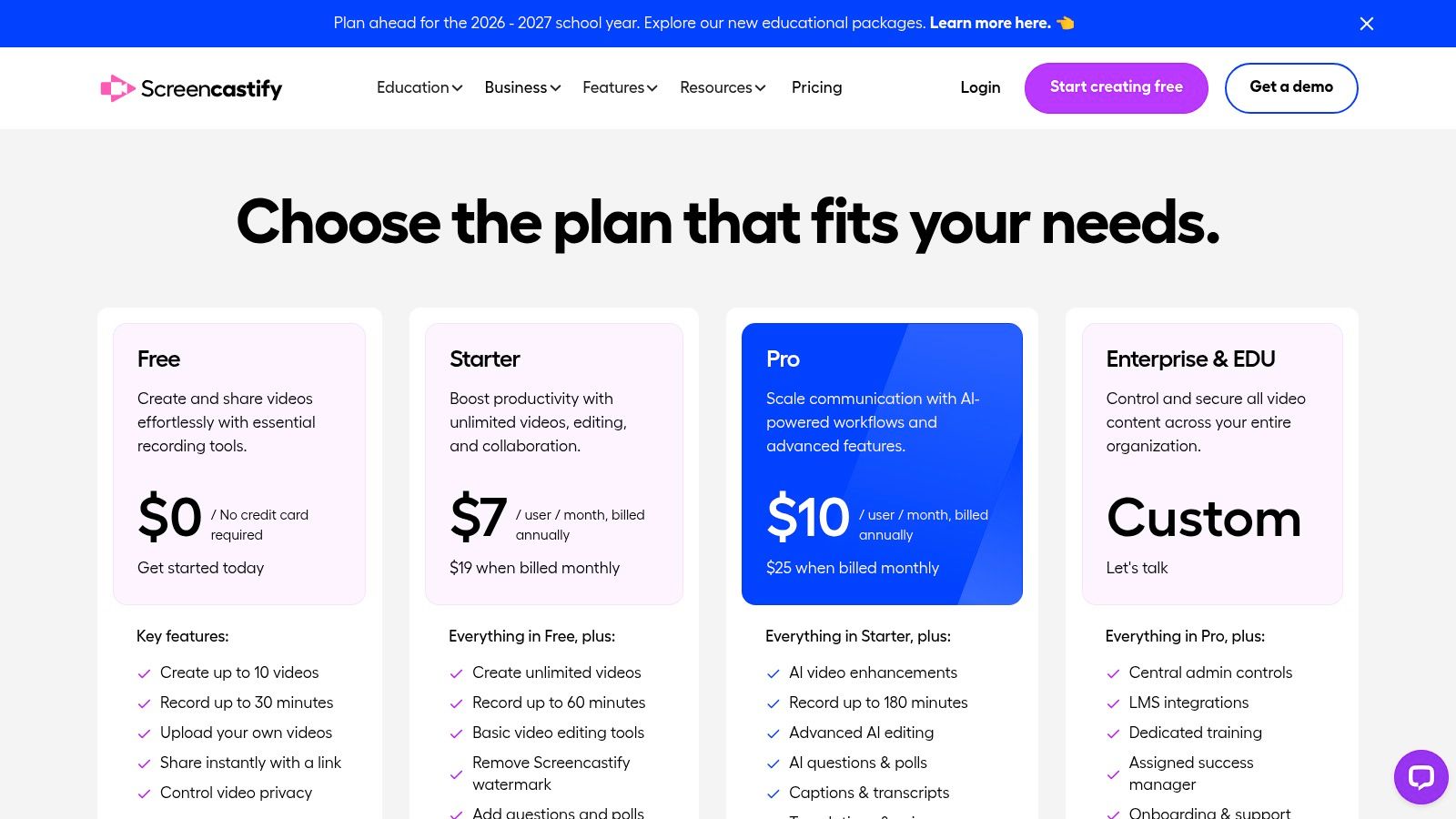
What sets Screencastify apart is its streamlined workflow. You can record, perform basic edits like trimming, and export directly to YouTube or Google Drive from a single interface. This eliminates the need for downloading large files and re-uploading them. For creators producing scripted tutorials, knowing how to write a script for YouTube videos first can make the recording and editing process with a tool like Screencastify incredibly fast and efficient. The platform also offers a cloud library for easy storage and sharing.
Key Features & Use Cases
- Integrated Screen & Webcam Recording: Easily capture your entire screen, an application window, or a specific browser tab, with or without your webcam feed overlaid.
- Simple In-Browser Editing: Trim the start and end of your videos, merge clips, and add text overlays without leaving your Chrome browser.
- Direct Cloud Integration: Save recordings directly to your Google Drive and get a shareable link instantly, or upload straight to your YouTube channel.
Practical Considerations
Screencastify is built for speed and convenience, not for advanced video production. The free plan has significant limitations, including a cap on the number and length of videos you can create and a watermark on all exports. While its education-focused compliance (FERPA/COPPA) is a major plus for that niche, its analytics are minimal compared to dedicated video hosting platforms.
Website: https://www.screencastify.com/pricing
11. Loom
For YouTubers who collaborate with editors, brands, or team members, Loom offers an exceptionally fast way to record and share feedback, instructions, or video drafts. It functions as a powerful screen and camera recorder that lives right in your browser, enabling you to create instant video messages that eliminate the need for lengthy emails or meetings. This makes it an essential tool for streamlining the pre-production and post-production approval process.
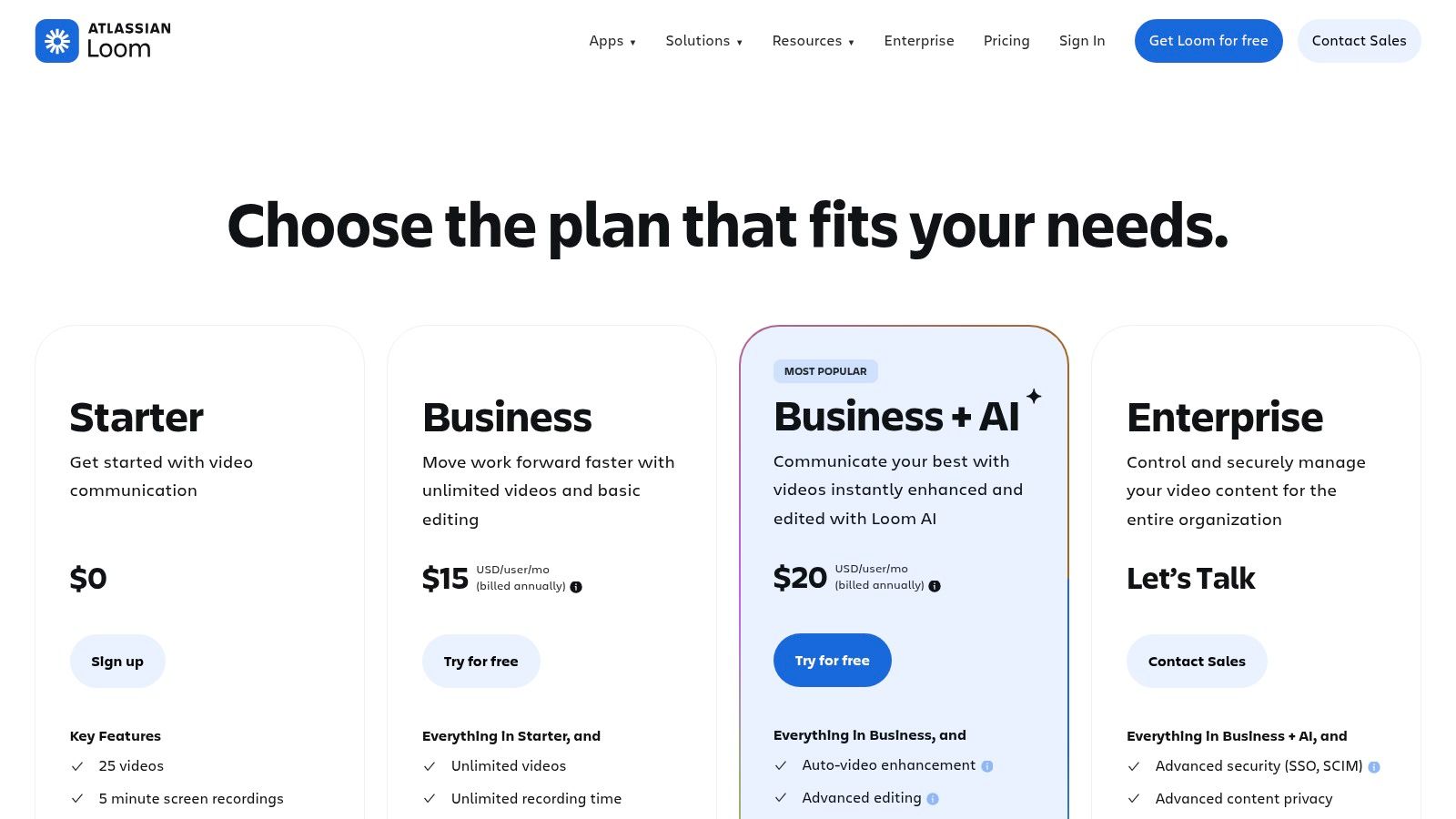
Loom’s core strength is its speed. Once a recording is finished, a shareable link is instantly ready, complete with auto-generated transcripts and AI-powered summaries, titles, and chapters. This is invaluable for sending a quick clip to an editor with visual notes or getting a sponsor's approval on a specific segment before the final upload. The platform’s robust integrations with tools like Slack and Notion further embed it into a creator’s workflow.
Key Features & Use Cases
- Instant Screen & Camera Recording: Quickly record your screen, camera, or both to provide visual feedback on edits, demonstrate a workflow, or send a personalized update to your community.
- AI-Enhanced Sharing: Automatic transcripts, titles, and chapter summaries make your shared videos easily searchable and digestible for collaborators, saving everyone time.
- Collaborative Feedback: Viewers can leave time-stamped comments and emoji reactions directly on the video, creating a clear and contextual feedback loop.
Practical Considerations
The free plan is quite restrictive, limiting users to 25 videos per person and a maximum recording length of five minutes. To unlock 4K recording and unlimited videos, a paid plan is necessary. Additionally, be aware that there can be administrative differences depending on whether you purchase a plan directly from Loom or through its parent company, Atlassian.
Website: https://www.loom.com/pricing
12. Vidyard
Vidyard is a powerful video platform whose Chrome extension bridges the gap between creating YouTube content and managing professional video communications. While not exclusively for YouTube, its screen and camera recording capabilities are excellent for creators who also handle sponsorship pitches, client updates, or sell premium content. The extension allows you to quickly record, trim, and share videos directly from your browser, making it a versatile tool for tasks beyond public publishing.
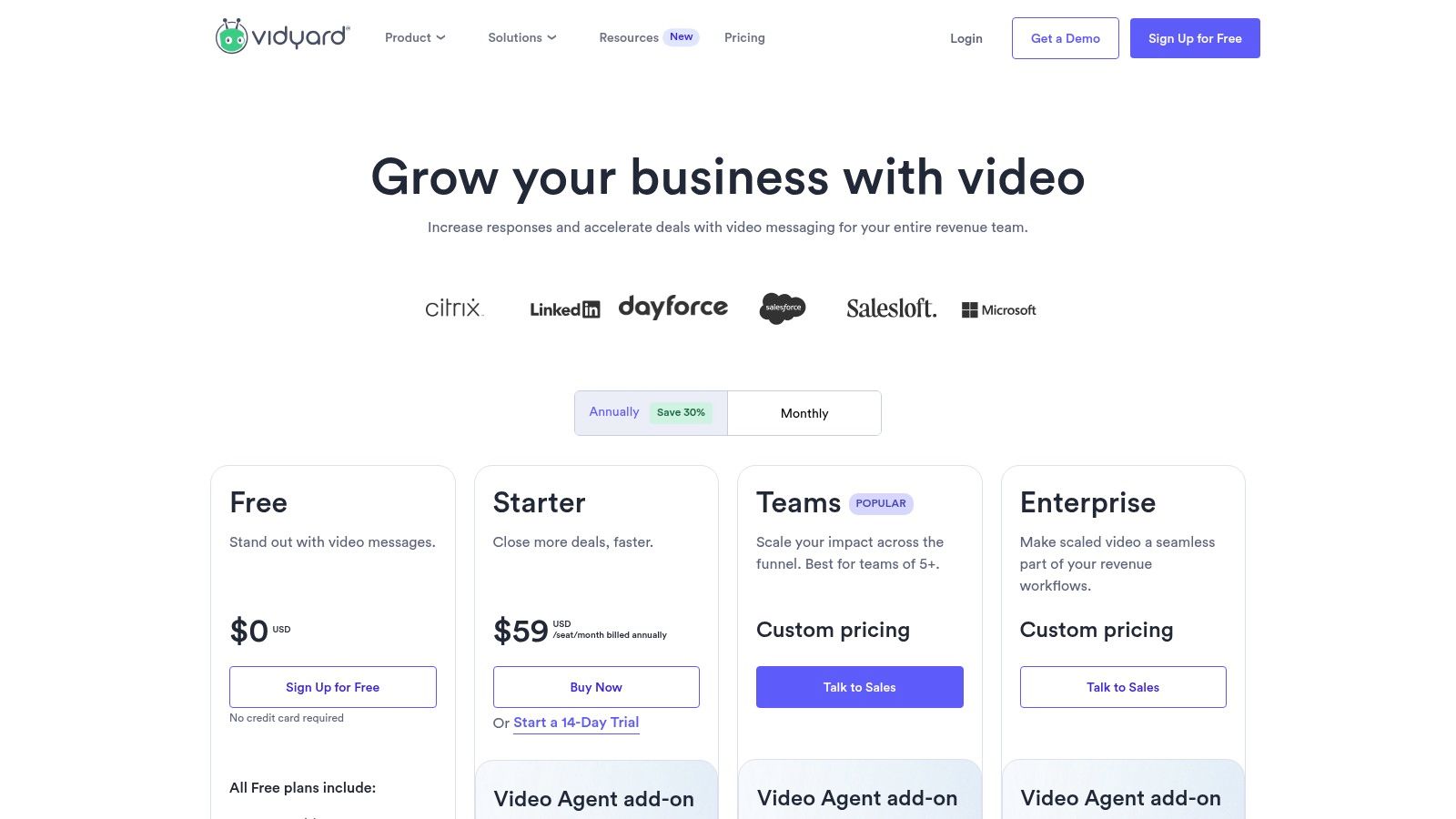
What sets Vidyard apart is its focus on analytics and engagement for privately shared videos. When you send a pitch to a potential sponsor, you can track exactly who watched it, for how long, and which parts they re-watched. This business-centric approach makes it one of the best chrome extensions for YouTubers who are serious about monetizing through brand deals and professional services, offering insights that YouTube’s native analytics don’t provide for off-platform communications.
Key Features & Use Cases
- Screen & Webcam Recording: Instantly record your screen, webcam, or both to create quick tutorials, personalized thank-you messages for patrons, or video pitches for sponsors.
- Actionable Analytics: Receive notifications and detailed analytics when someone views your shared video, providing invaluable feedback for sales or outreach efforts.
- Branded Sharing & CTAs: Host your videos on customizable sharing pages with your branding and add clickable calls-to-action (CTAs) to direct viewers to a specific link.
Practical Considerations
Vidyard is fundamentally a sales and marketing tool, so its feature set is geared more toward business workflows than public content creation. While the free plan is generous for basic recording, advanced features like in-depth team analytics, CRM integrations, and custom branding require a paid subscription.
Website: https://www.vidyard.com/pricing
Top 12 Chrome Extensions for YouTubers — Feature Comparison
| Item | Core features ✨ | UX / Quality ★ | Value / Price 💰 | Target audience 👥 | Unique selling point 🏆 |
|---|---|---|---|---|---|
| Unlock the YouTube video title generator | ✨ AI title brainstorming, one‑click insert, templates | ★★★★ — Studio‑embedded | 💰 Free extension / part of ViewsMax | 👥 Creators seeking higher CTR | 🏆 In‑Studio, data‑informed title optimization |
| Chrome Web Store – “Transform YouTube” collection | ✨ Curated YouTube extensions, reviews, one‑click install | ★★★★★ — Trusted distribution | 💰 Free marketplace (extensions may charge) | 👥 Discoverers & cautious installers | 🏆 Official curated hub for safe discovery |
| TubeBuddy | ✨ Keyword explorer, A/B tests, bulk edits, checklists | ★★★★★ — Deep Studio integration | 💰 Freemium → paid tiers (Pro/Legend/Enterprise) | 👥 Growth‑focused creators & power users | 🏆 Comprehensive upload & bulk workflow tools |
| vidIQ | ✨ SEO scores, trend alerts, AI Coach, competitor insights | ★★★★★ — Data‑driven metrics | 💰 Freemium → higher plans for AI features | 👥 Data‑oriented creators & teams | 🏆 Real‑time metrics + competitor/trend alerts |
| Keywords Everywhere | ✨ Volume/CPC overlays, related queries, tag extraction | ★★★★ — Cross‑platform research | 💰 Credit‑based pay‑as‑you‑go | 👥 Solo creators needing on‑demand keywords | 🏆 Scales cost with usage; platform‑agnostic overlays |
| Social Blade (extension hub) | ✨ Channel snapshot, ranks, est. earnings, 30‑day summaries | ★★★ — Quick benchmarking at a glance | 💰 Free extension (site paid features) | 👥 Benchmarkers & partnership evaluators | 🏆 Familiar public metrics beside videos |
| Enhancer for YouTube | ✨ Playback presets, shortcuts, UI tweaks, screenshots | ★★★★ — Highly configurable | 💰 Free (community‑driven) | 👥 Power‑viewers & editors | 🏆 Speedups for editorial review & review workflows |
| Glasp – YouTube Summary & Highlighter | ✨ Timestamped highlights, transcripts, AI summaries | ★★★★ — Speeds research & outlines | 💰 Free start; premium AI integrations | 👥 Researchers & creators drafting outlines | 🏆 Integrated note‑taking + AI summaries |
| Language Reactor | ✨ Dual subtitles, side translations, playback & dictionary | ★★★★ — Great for multilingual checks | 💰 Free / freemium features | 👥 Multilingual creators & caption editors | 🏆 Side‑by‑side subtitles for caption validation |
| Screencastify | ✨ Screen/webcam recorder, basic editor, cloud library | ★★★★ — Simple, education‑compliant | 💰 Free tier limits; paid removes watermark | 👥 Educators & tutorial creators | 🏆 Education compliance + easy sharing |
| Loom | ✨ Fast recorder, auto‑captions, AI titles/summaries, 4K | ★★★★ — Quick sharing & integrations | 💰 Free tier limits; paid for advanced use | 👥 Creators needing fast drafts/reviews & teams | 🏆 Rapid recording + AI summarization |
| Vidyard | ✨ Recording/trimming, branded pages, CTAs, analytics | ★★★★ — Enterprise analytics & integrations | 💰 Freemium → enterprise pricing | 👥 Creators doing sponsorships & business video | 🏆 Branded share pages + viewer analytics for business |
Building Your Ultimate Creator Toolkit
Navigating the competitive landscape of YouTube requires more than just great content; it demands a strategic, data-informed approach. The Chrome extensions we've detailed in this guide are the building blocks for that strategy. They are not merely add-ons but powerful co-pilots designed to streamline your workflow, demystify the algorithm, and amplify your creative efforts. From the deep analytical power of TubeBuddy and vidIQ to the instant keyword insights from Keywords Everywhere, each tool serves a specific, vital function in the modern creator's arsenal.
The true takeaway is not to install every extension on this list. Doing so would likely slow down your browser and create a cluttered, overwhelming workflow. Instead, the goal is to thoughtfully construct a personalized toolkit that addresses your unique challenges and goals as a YouTuber. This is the essence of finding the best chrome extensions for youtubers – it's about what is best for you.
Your Action Plan: From Information to Implementation
To move from reading this list to actively improving your channel, follow these deliberate steps. This structured approach will help you integrate these tools effectively without disrupting your creative process.
Identify Your Biggest Bottleneck: Start by performing a self-audit. Where do you spend the most time with the least return? Is it agonizing over titles and thumbnails? Is it the tedious process of keyword research? Or perhaps it's analyzing post-performance data to understand what works. Pinpoint your single greatest pain point first.
Choose Your "First-Round" Pick: Select just one or two extensions that directly solve that primary bottleneck.
- Struggling with SEO and discovery? Your choice is between TubeBuddy and vidIQ.
- Need to generate compelling titles fast? The ViewsMax YouTube Video Title Generator is your starting point.
- Overwhelmed by content consumption for research? Glasp can revolutionize how you capture ideas.
Integrate and Master: Commit to using your chosen extension(s) for at least two to three video uploads. Watch tutorials, explore every feature, and actively apply its tools to your pre-production, production, and post-production phases. True mastery comes from consistent application, not passive installation.
Key Considerations for Building Your Toolkit
As you add more extensions, keep these crucial factors in mind to maintain an efficient and secure workflow.
- Performance Impact: Every extension consumes system resources. Periodically check your browser's task manager to see which extensions are resource-heavy. Be ruthless about disabling or removing tools you aren't actively using.
- Permissions and Privacy: Always review the permissions an extension requests upon installation. Reputable tools like the ones listed here are generally safe, but it's a good practice to understand what data they can access.
- Workflow Synergy: The ultimate goal is a toolkit where each extension complements the others. For example, you might use Keywords Everywhere for initial broad topic research, then dive deeper with TubeBuddy's Keyword Explorer, and finally perfect your title with a dedicated title generator. The tools should work together, not create redundant steps.
Ultimately, these Chrome extensions are powerful force multipliers. They handle the complex data analysis, automate repetitive tasks, and provide the competitive intelligence needed to grow. This frees up your most valuable resource: the creative energy required to produce amazing content that resonates with your audience. Use this guide to build a smarter, more efficient workflow, and get back to what you do best-creating.
Ready to supercharge your video titles and thumbnails, the two most critical elements for click-through rate? The tools mentioned here are a great start, but for an AI-powered solution built specifically for virality, check out the free tools from ViewsMax. Our suite, including the YouTube Video Title Generator, is designed to give you a data-driven creative edge in seconds. Explore ViewsMax and start crafting better titles today!