
The popular advice is to find one all-purpose AI platform and let it handle your content operation. That sounds efficient, but it usually creates a different problem: one tool tries to plan, edit, design, publish, and measure, while doing none of those jobs as well as a focused product. The strongest setup is usually a small workflow, not a single subscription. One tool helps with ideas and YouTube packaging, another handles recording or editing, another repurposes long-form material, another produces visuals or voice, and a measurement layer shows whether the published work created business results.
That approach reflects how creators are already working. Adobe's survey of more than 16,000 creators across eight countries found that 86% actively used generative AI, while 60% had used more than one creative AI tool in the previous three months (Adobe survey coverage). The practical question is no longer whether AI belongs in the workflow. It's which tool belongs at each stage, what it costs in credits and review time, and whether the output fits the creator's voice and publishing channels.
This list evaluates the best AI tools for content creators by workflow role. Planning and packaging includes Canva, vidIQ, and TubeBuddy. Production and editing includes Descript, CapCut, Runway, ElevenLabs, Adobe Express, and VEED. Repurposing is where OpusClip is strongest. Distribution and revenue attribution require a separate measurement layer, which is where ViewsMax becomes relevant for creators who need to connect YouTube content and links to clicks, leads, calls booked, and attributed sales instead of relying only on views or engagement. For specialized media workflows, creators can also explore a cloud FFmpeg platform.
1. Canva Magic Studio
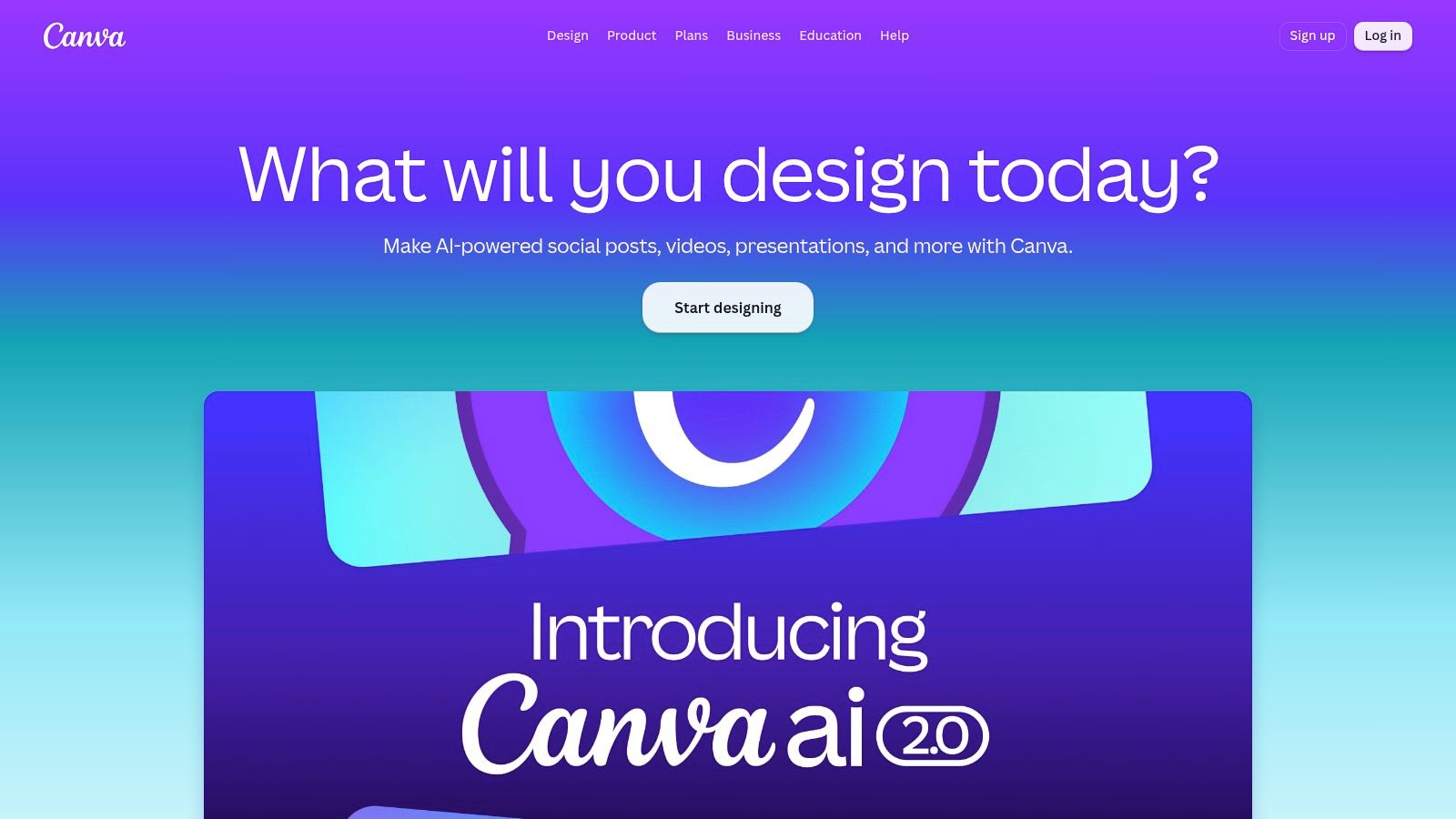
Canva is the practical starting point for creators who need a steady stream of thumbnails, channel art, carousels, social posts, and branded promotional assets without moving between several design applications. Its browser-based workspace keeps the distance between an idea and a usable graphic short, which matters when the same video needs a thumbnail, a community post, a vertical quote card, and a social cover.
The AI layer, Magic Studio, supports that workflow through Magic Write, Magic Media, background editing, Magic Expand, Magic Erase, and Magic Grab. Instant resize and Magic Switch help adapt one composition to multiple formats, while brand kits and Magic Layers make repeated production easier for teams. The template ecosystem is also a major advantage when the creator knows the message but doesn't want to design every asset from a blank page.
Where Canva earns its place
Canva works best when speed and brand consistency matter more than highly distinctive generative visuals. A creator can draft a thumbnail concept, test several layouts, reuse recognizable colors and type, then export assets for YouTube and social channels from one workspace. It's especially useful for solo operators who need professional-looking packaging but don't want a separate design handoff for every post.
The trade-off is output quality and usage limits. Text-to-image and text-to-video results can trail specialist tools for demanding visual work, and AI credit allowances vary by plan. Some advanced editing and brand features also require Pro access. Before adopting it as a daily production tool, check which Magic Studio actions consume credits and whether the plan supports the volume of assets you create.
Practical rule: Use Canva to establish the visual system, then use specialist generation tools only when the concept needs something the template workflow can't provide.
Canva's human review requirement is moderate. AI can produce a useful first version, but the creator still needs to check thumbnail readability at small sizes, text accuracy, brand alignment, and whether the visual makes a credible promise about the video.
2. Descript Underlord AI
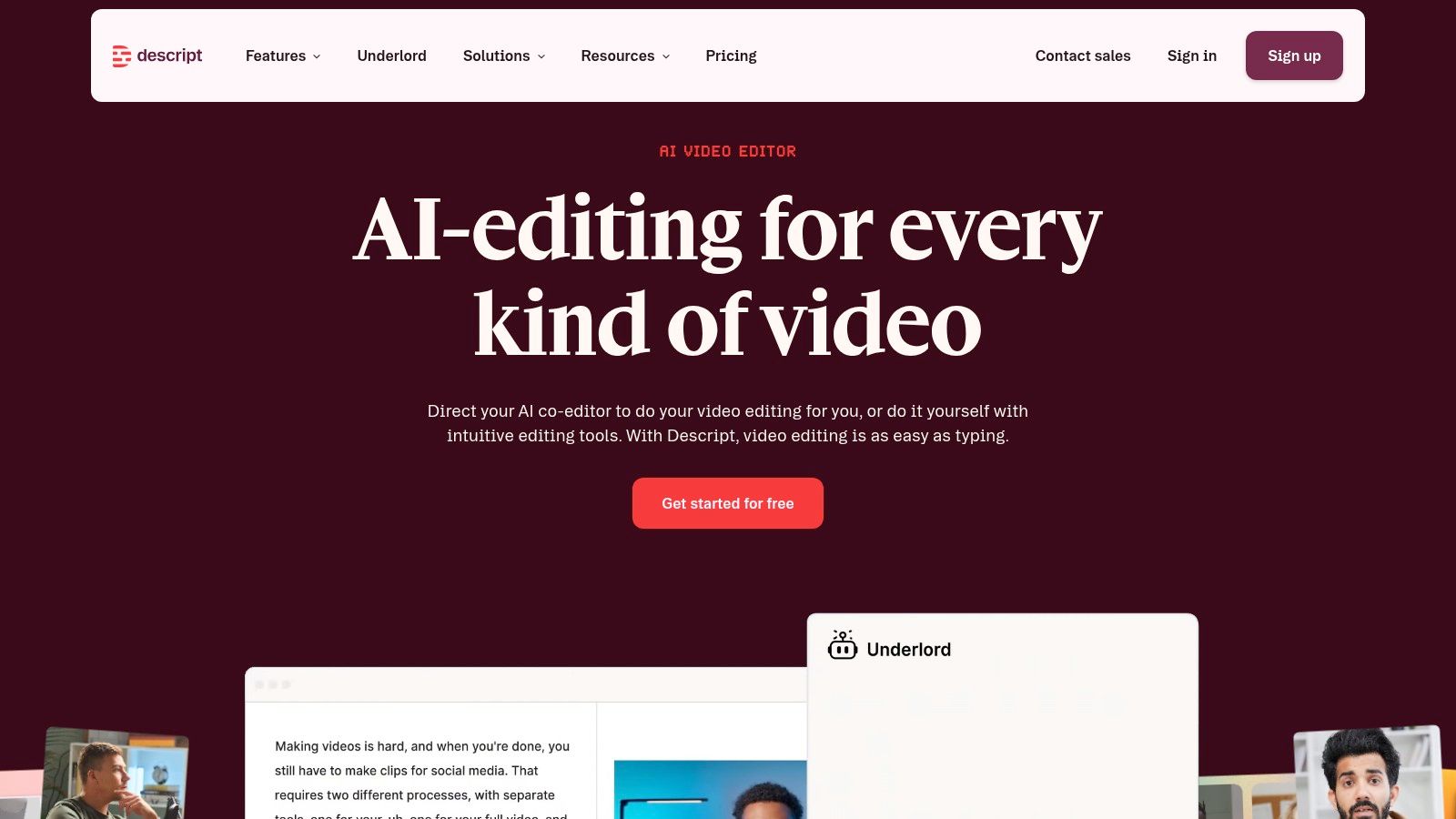
Descript is built around a simple but powerful editing idea: edit the transcript, and the recording changes with it. That makes it a strong choice for podcasts, interviews, webinars, tutorials, and talking-head videos where the spoken words carry most of the structure. Instead of scrubbing through a timeline to remove a repeated phrase or awkward pause, creators can work through the text and make the corresponding edit.
Its Underlord AI co-editor adds assisted editing, while Studio Sound supports audio cleanup and filler-word removal. Descript also handles captions, green screen work, clip creation, and quick social cutdowns. That combination makes it more than a transcription utility. It can take a long recording toward a publishable video and several short-form extracts without requiring a traditional non-linear editing workflow.
What works and what doesn't
Descript is most effective when the source material is clear, speech-led, and structurally coherent. It can shorten the first editing pass dramatically because the transcript exposes rambling sections, repeated points, and weak transitions. It's also a practical bridge between a long YouTube recording and a set of social clips.
The limitation is that automation can make editorial decisions that are technically reasonable but strategically wrong. A pause may carry emotion. A repeated phrase may be part of the creator's personality. An automatically selected clip may contain a useful statement but lack enough context to work as a standalone post.
- Best fit: Talking-head videos, podcasts, interviews, and educational recordings.
- Watch closely: AI-generated cuts, caption timing, speaker labels, and missing context.
- Budget issue: Some advanced Underlord actions consume AI credits, and media-minute usage can affect plan economics.
- Workflow issue: The Underlord feature is evolving, so occasional beta quirks still require manual correction.
Descript isn't a replacement for a thoughtful editor. It's a fast first-pass editor that gives the creator a cleaner starting point. Every final cut still needs a human check for pacing, claims, captions, music levels, and the exact moment where the clip begins and ends.
3. CapCut Standard and Pro
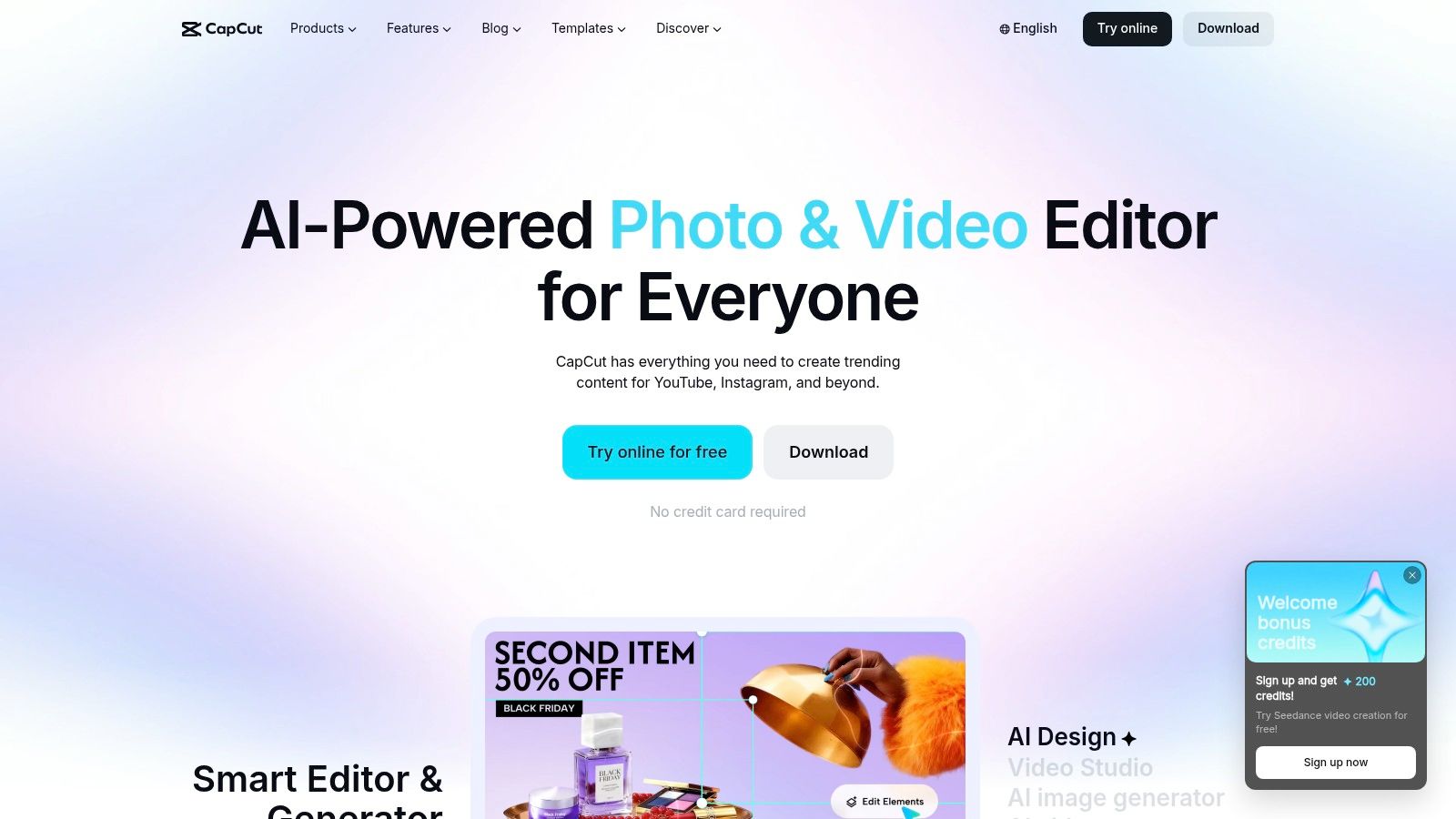
CapCut fits creators whose publishing rhythm is centered on Shorts, Reels, and TikTok-style video. It's available across desktop, web, and mobile, so footage can move from a phone edit to a more deliberate desktop pass without forcing the creator into a single location. Templates, auto captions, voice tools, background removal, and green screen functions all support a fast social-native workflow.
The broader AI suite adds prompt-led editing and automated assistance, but CapCut's strongest practical advantage is still the speed of assembling short-form content. A creator can import a clip, generate captions, apply a platform-friendly format, add a voice or visual treatment, and prepare the post without learning a complex professional editor.
Choose it for momentum, not maximum control
CapCut is a good fit when turnaround and mobile continuity matter more than granular timeline control. Its templates can help a creator maintain momentum during a busy publishing cycle, especially when the concept is already clear and the main job is adapting footage for a short-form channel.
That same template orientation can make content feel familiar or over-processed. Automated captions may need corrections, and visual effects can distract from the point of the video. The creator should also inspect the export rather than assuming that the mobile and desktop versions behave identically.
- Fastest use case: Captioned vertical clips made close to the moment of recording.
- Useful production tools: Voice features, background removal, green screen, and template-based edits.
- Platform caution: Standard and Pro capabilities differ, and pricing can vary by region and platform.
- Cost control: Some Pro functions require in-app purchases or subscriptions, so check the checkout experience before building a high-volume workflow.
CapCut makes sense as the primary editor for short-form creators or as a finishing tool after a long-form video has been clipped elsewhere. It's less suitable when a production requires detailed sound design, complex story structure, or precise control over every visual layer.
4. Runway
Runway is the specialist choice in this list for creators who need generated footage rather than only automated editing. Its text-to-video and image-to-video models support visual concepts that would be expensive, difficult, or impossible to capture directly. That can include atmospheric B-roll, surreal transitions, visual metaphors, intros, and short sequences designed to give a video a distinctive look.
The platform includes tools for extending clips, masking elements, upscaling, and working with different generation models. Its documentation explains model options and credit consumption, which gives creators a clearer basis for planning than an interface that hides generation costs until the output is complete.

Use generated footage selectively
Runway is not the tool to use indiscriminately for every shot. Generation can produce striking results, but continuity, hands, text, object identity, and movement may require repeated attempts. A creator who treats every prompt as a finished asset can spend credits quickly and still end up with footage that needs replacement.
- Strong application: Short visual inserts, concept footage, title sequences, and B-roll that supports a clear editorial purpose.
- Weak application: Unreviewed factual demonstrations, precise product instructions, or scenes where continuity is central.
- Main trade-off: Heavy use requires credit budgeting because generation is charged through a credit system.
- Review requirement: Inspect every frame for visual errors, accidental text, misleading details, and consistency with the channel's style.
Runway works best as a selective layer inside a broader production process. Record the core story normally, use generated footage where it adds meaning, then edit the result in a tool such as Descript, CapCut, or VEED. That keeps the creative value of generation while limiting its cost and unpredictability.
5. OpusClip
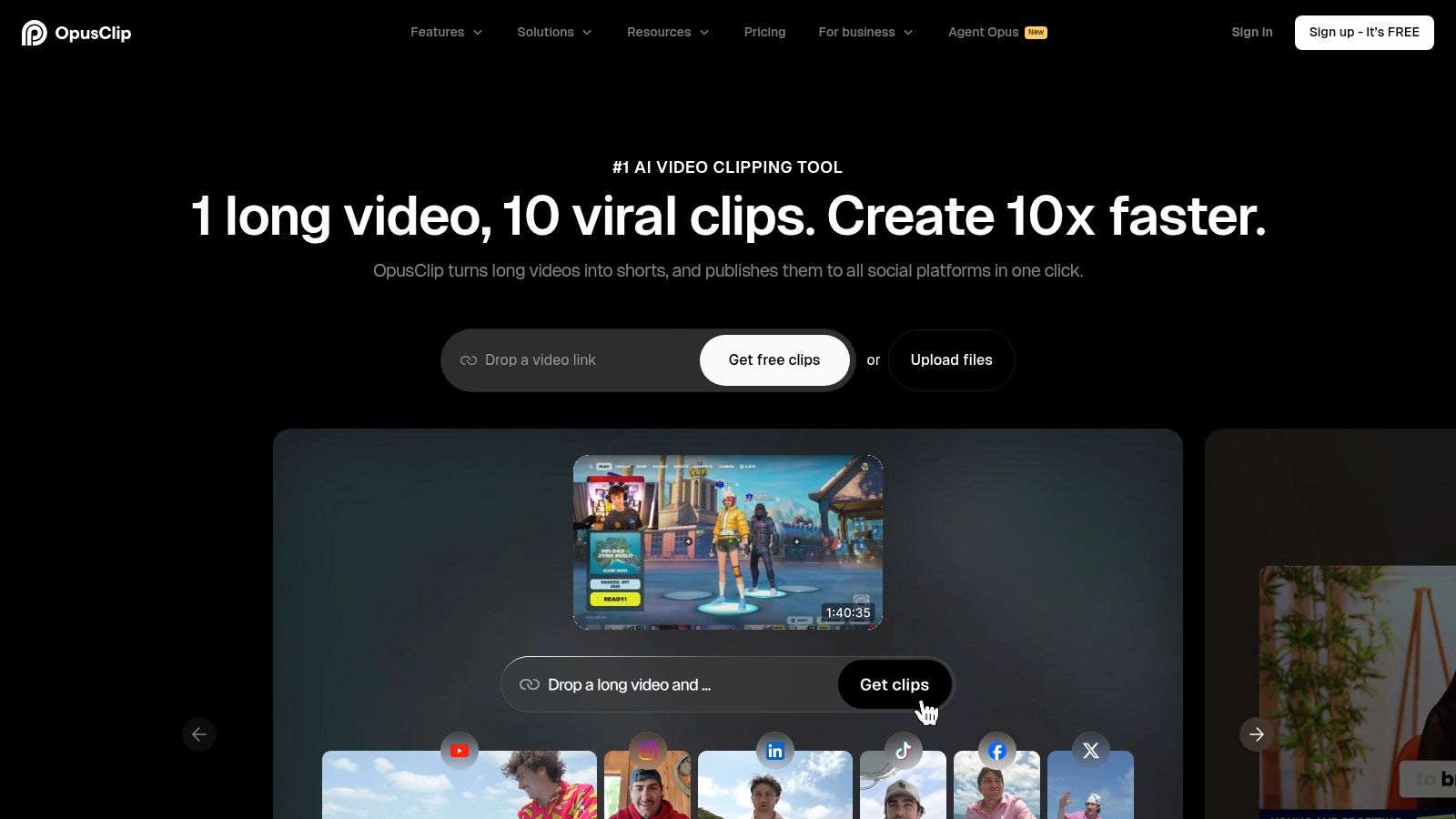
OpusClip addresses one specific operational problem: turning a long video into short-form assets without watching the entire recording repeatedly. It analyzes long-form footage for highlights, creates Shorts or Reels formats, adds captions, and prepares platform-oriented exports. That makes it useful for podcasts, webinars, interviews, tutorials, and any recording with several independently valuable moments.
The advantage isn't that every automatic clip will be ready to publish. The advantage is that the tool creates a useful set of candidates quickly. A creator can then choose the strongest moments, correct the framing, adjust the opening, and add a call to action that fits the destination platform.
The manual pass still matters
Automatic highlight selection often favors a complete sentence or a moment with clear energy. It doesn't always understand the creator's broader strategy. A clip can be interesting but fail to introduce the topic, make a useful promise, or lead viewers toward the next action. Branding nuances, captions, transitions, and platform-specific calls to action also deserve review.
Creators building a repeatable content repurposing workflow should define what happens after OpusClip exports the assets. For example, one person can select clips, another can check captions and framing, and the publisher can attach the correct destination link before scheduling.
- Best source material: Long-form recordings with clear sections and strong spoken moments.
- Main benefit: Fast conversion into platform-ready vertical formats.
- Expected limitation: Advanced customization may require post-editing.
- Distribution feature: One-click multi-platform posting and iOS support can reduce handoff friction, but the final post still needs a channel-specific review.
OpusClip is a repurposing engine, not a content strategist. It finds usable material, but the creator decides whether each clip supports the audience, offer, and publishing objective.
6. vidIQ
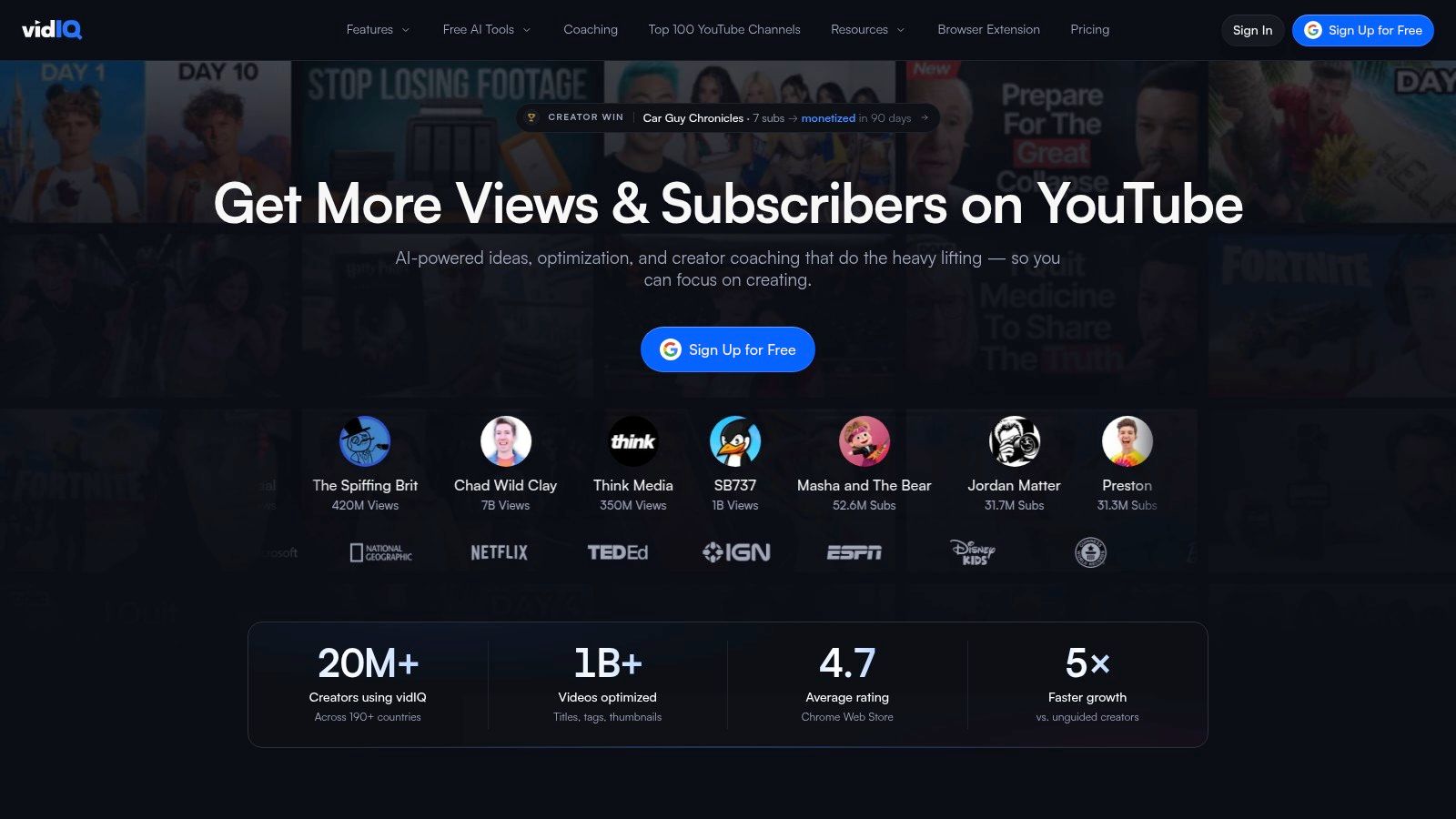
vidIQ belongs near the start of a YouTube workflow, before recording begins and again when the video is packaged for publication. Its AI-assisted ideation, keyword discovery, metadata suggestions, title support, thumbnail guidance, and AI Coach tools help creators turn a broad topic into a more specific publishing concept.
That role matters because production effort can be wasted on a video that has no clear audience promise. vidIQ helps creators examine topic directions, refine wording, and develop packaging options before they spend time recording or editing. It can also support the final metadata pass, although its suggestions should be treated as hypotheses rather than instructions.
Where its recommendations need judgment
The strongest use of vidIQ is idea to keyword to packaging, especially for creators who publish frequently or manage more than one channel. It can reduce the blank-page problem and give a creator several ways to frame a topic. It won't know the full context of the audience's trust in the creator, the accuracy of a claim, or whether a title overpromises.
Plan economics also matter. Some advanced AI capabilities use credits, and higher plans provide more functionality. A casual creator may not need the full system, while a channel with a consistent publishing pipeline may gain more from centralizing research and packaging in one place.
- Use before recording: Compare topic angles and write a clear viewer promise.
- Use during packaging: Develop title and thumbnail options that express the same idea.
- Review manually: Check search intent, factual accuracy, brand voice, and whether the promise matches the finished video.
- Measure beyond discovery: A stronger title may influence views or engagement, but that doesn't prove the video generated a lead or sale.
For a deeper look at the surrounding workflow, compare vidIQ with other YouTube SEO tools. The right choice depends on whether the channel's bottleneck is topic selection, metadata, packaging, catalog management, or revenue measurement.
7. TubeBuddy
TubeBuddy is a YouTube-focused browser extension and platform that works close to the place where creators manage their channels. That proximity is its practical advantage. Keyword research, SEO suggestions, title and thumbnail testing, recommended tags, metadata support, and bulk updates sit within a familiar YouTube management workflow instead of requiring constant movement between unrelated tools.
It's particularly useful for creators with a substantial back catalog. Updating titles, descriptions, or other metadata one video at a time can become tedious, while bulk management creates a more realistic way to improve older content and maintain consistency across a channel.
A better fit for channel operations
TubeBuddy makes the most sense when YouTube is the central publishing platform and the creator cares about ongoing channel maintenance, not just generating ideas for the next upload. A/B testing for thumbnails and titles can help creators compare packaging choices, while keyword and metadata tools support the discovery side of publishing.
It's less compelling for a creator who uploads occasionally and has a small catalog. Many of its operational benefits become clearer when there are repeated optimization tasks, several videos to manage, or a team responsible for channel upkeep. Advanced functionality also requires paid access, so the subscription should be judged against the number of channel-management tasks it removes.
- Best for: YouTube-first creators, managers of larger catalogs, and teams handling bulk changes.
- Useful distinction: Discovery and packaging tools help viewers find and choose content, but they don't attribute downstream revenue.
- Human responsibility: Review suggested tags, titles, and descriptions for accuracy and audience fit.
- Extension context: Check the broader set of Chrome extensions for YouTubers before adding overlapping tools.
TubeBuddy and vidIQ can serve similar planning and packaging needs, so most creators should test which interface and recommendation style fit their process. Buying both without a defined role can create duplicate suggestions rather than a better publishing system.
8. ElevenLabs
ElevenLabs is the voice and dubbing specialist. It supports text-to-speech, voice cloning, multilingual narration, dubbing, and audio creation for videos, audiograms, explainers, and alternate language versions. The output can sound natural enough for professional use, but natural delivery doesn't remove the need for editorial direction.
A creator can use it to produce a voiceover from an approved script, patch a short line without arranging a new recording, create narration for B-roll, or prepare localized versions of a video. Those applications are different from using an AI voice to replace the creator's main presence. The right choice depends on whether the voice is a production utility or a central part of the brand relationship.
Protect the voice workflow
Voice cloning needs careful permission and brand governance. A creator should approve the source voice, review pronunciation of names and specialist terms, and listen for unnatural emphasis before publication. Dubbing also requires a cultural and editorial check, because a technically accurate translation may still sound wrong for the target audience.
- Best fit: Voiceovers, corrections, narration, dubbing, and alternate language tracks.
- Cost exposure: Usage-based pricing, credit add-ons, and tiered plans require monitoring when audio volume grows.
- Quality check: Review pronunciation, pacing, emotional tone, pauses, and whether the voice matches the visual speaker.
- Brand choice: Use synthetic voice where it adds production flexibility, not merely because recording a human voice is inconvenient.
The platform can scale from solo creator work to larger operations, but large-scale dubbing can make usage costs harder to forecast. For a wider comparison of voice workflows, review these ElevenLabs alternatives before committing to one provider.
9. Adobe Express With Firefly AI
Adobe Express is a good middle ground for creators who want quick social production but already live in the Adobe ecosystem or need a polished handoff to tools such as Photoshop and Premiere. It combines templates, stock assets, brand kits, scheduling, mobile editing, and generative Firefly features for images and text effects in a more approachable interface than a full professional suite.
The workflow is useful for turning a finished video into supporting assets. A creator can prepare a social cover, promotional graphic, quote card, or short visual treatment, then schedule or export it without rebuilding the brand system from scratch. Existing Adobe users also benefit from asset continuity and a familiar design language.
Choose ecosystem fit over feature count
Adobe Express is strongest when handoff and brand control matter. It isn't necessarily the best reason to switch from Canva if the creator already has an efficient Canva system, and it won't replace advanced Photoshop or Premiere work. Its value comes from connecting lightweight creation with the rest of an Adobe-centered workflow.
Premium capabilities and generative credits can require a paid plan or additional credit purchases. That makes usage monitoring important for creators who rely heavily on AI generation rather than using it for occasional variations. Firefly output should still be reviewed for composition, text accuracy, and whether the result supports the intended message.
- Use it for: Branded social assets, quick video edits, stock-supported designs, and scheduled posts.
- Use Firefly selectively: Generate concepts or visual variations, then refine the strongest option manually.
- Check before publishing: Product details, claims, logos, small text, and accessibility.
- Voice support: Pairing a finished visual with narration may call for dedicated text-to-speech services rather than relying on one design application to handle every media task.
Adobe Express is a sensible choice for creators already paying for Adobe tools or working with clients who expect Adobe-compatible assets.
10. VEED
VEED is a browser-based video suite designed for creators and teams that want editing without the complexity of a traditional desktop editor. Its AI features cover auto subtitles, translation, dubbing, text-to-speech, avatars, noise removal, eye-contact correction, and reel generation. Screen recording, webcam capture, a teleprompter, and brand kits make it useful from recording through social export.
The subtitle and translation workflow is a particular strength. A creator can record in the browser, clean the audio, generate captions, translate the content, and prepare a short-form version without handing files across several applications. For a small team, that web-first approach also simplifies collaboration and keeps the working project accessible.
A practical team editor
VEED's learning curve is lower than that of a professional non-linear editor, which makes it a strong operational choice for creators who need reliable social output more than deep post-production control. Brand kits help teams keep fonts, colors, and recurring elements consistent, while the recorder and teleprompter reduce the number of separate tools needed before editing begins.
The trade-offs are visible in the plan structure. Free exports include a watermark, and lower tiers can impose AI limits or credits. Heavy use may require a paid plan or additional AI capacity, so a team should test a real batch of content rather than evaluating only the demo workflow.
- Best fit: Short-form teams, translated content, browser-based collaboration, and quick recording-to-export processes.
- Review carefully: Captions, translated meaning, avatar delivery, eye-contact correction, and noise removal artifacts.
- Plan constraint: Confirm export rules and AI allowances before building a client delivery process.
- Human role: Decide which clips deserve publication, which language adaptations sound natural, and which claims require source checking.
VEED is a useful all-rounder when accessibility, collaboration, and fast output matter. It's less attractive when the production requires advanced sound mixing, elaborate motion graphics, or highly controlled cinematic editing.
Top 10 AI Tools for Content Creators, Quick Comparison
| Tool | Core features ✨ | Best for 👥 | Quality ★ | Pricing 💰 | USP 🏆 |
|---|---|---|---|---|---|
| Canva (Magic Studio) | ✨ Magic Write/Media, templates, brand kits | 👥 Thumbnail & social asset creators | ★★★★☆ | 💰 Free tier; Pro for teams; AI credits on some tools | 🏆 Fast idea→asset workflow & brand consistency |
| Descript (Underlord AI) | ✨ Transcript-based editing, Underlord, Studio Sound | 👥 Podcasters & long-form editors | ★★★★☆ | 💰 Free tier; paid plans with AI credits & media minutes | 🏆 Transcript-first edits that dramatically cut edit time |
| CapCut (Standard/Pro) | ✨ Prompt-led AI, templates, auto-captions, mobile↔desktop | 👥 Short-form creators (TikTok/Reels/Shorts) | ★★★★☆ | 💰 Mostly free; Pro/in-app purchases vary by region | 🏆 Social-native templates + cross-device continuity |
| Runway | ✨ Gen-3/Gen-4 text-to-video, extend/upscale, masks | 👥 Creators needing AI-generated footage & VFX | ★★★★☆ | 💰 Credit-based generation; pay-per-use | 🏆 Leading, creator-accessible text-to-video tools |
| OpusClip | ✨ AI highlight detection, auto-resize, captions | 👥 Repurposers turning long-form into many shorts | ★★★★☆ | 💰 Subscription tiers; efficient ROI for repurposing | 🏆 Fast auto-clipping for high-volume short outputs |
| vidIQ | ✨ AI ideation, keyword discovery, metadata & thumbnails | 👥 YouTube creators optimizing SEO & CTR | ★★★★☆ | 💰 Free tier; higher plans/credits for AI features | 🏆 Actionable metadata & packaging to boost CTR/rank |
| TubeBuddy | ✨ In-YouTube SEO, A/B tests, bulk updates | 👥 Channel managers & frequent posters | ★★★★☆ | 💰 Free/basic; paid tiers unlock advanced tools | 🏆 Battle-tested toolkit for channel-scale management |
| ElevenLabs | ✨ Natural TTS, voice cloning, dubbing, multilingual | 👥 Voiceover artists, dubbing & narration at scale | ★★★★★ | 💰 Usage/credit-based; tiered plans for scale | 🏆 Among the most natural-sounding AI voices |
| Adobe Express (Firefly) | ✨ Generative Firefly, stock assets, brand kits, scheduler | 👥 Creators in Adobe ecosystem needing polished posts | ★★★★☆ | 💰 Free tier; Premium features & credits on paid plans | 🏆 Polished outputs + smooth handoff to Adobe apps |
| VEED | ✨ Auto-subtitles/translate, TTS, avatars, eye-contact fix | 👥 Teams & creators needing quick web editing & captions | ★★★★☆ | 💰 Free exports w/ watermark; paid plans + AI credits | 🏆 Web-first collaboration with strong subtitle workflows |
Build the Smallest Stack You Can Measure
There isn't one universal winner among the best AI tools for content creators. The right choice depends on the bottleneck. If topic selection and YouTube packaging slow the operation, start with vidIQ or TubeBuddy. If long-form editing consumes the available time, test Descript. If short-form output is the constraint, compare CapCut, VEED, and OpusClip. If visual packaging is inconsistent, use Canva or Adobe Express. Add Runway only when generated footage solves a real creative problem, and use ElevenLabs when voiceover, dubbing, or approved voice cloning has a clear role.
Start with one primary tool rather than building a large stack immediately. Define a batch of content, use the tool through the same workflow each time, and record two things: production time and output quality. Quality should include more than whether the file exported. Check the strength of the hook, the accuracy of captions, the consistency of the brand, the amount of correction required, and whether the finished asset is suitable for its destination platform.
Credit systems deserve their own review. Descript actions can consume AI credits, Runway charges generation through credits, ElevenLabs uses usage-based capacity and add-ons, and Adobe Express can limit generative features through plans or credit allowances. CapCut and VEED also separate capabilities across plans, platforms, or export tiers. A tool that looks inexpensive at light usage can become harder to forecast when every additional clip, voice generation, translation, or visual variation draws from a limited allowance.
A repeatable combination might look like this:
- Planning and packaging: Use vidIQ or TubeBuddy to shape the YouTube topic, title direction, thumbnail concept, and metadata.
- Core production: Use Descript for transcript-led talking-head edits, or CapCut and VEED for fast social-native production.
- Repurposing: Send long-form recordings to OpusClip, then manually select and refine the clips that deserve distribution.
- Visual assets: Use Canva or Adobe Express for thumbnails, banners, carousels, promotional graphics, and brand templates.
- Selective generation: Bring in Runway for specific B-roll or visual sequences, not as a substitute for every original shot.
- Voice and localization: Use ElevenLabs for approved voiceover, corrections, dubbing, or alternate narration.
The missing layer in most tool roundups is revenue attribution. Views, impressions, likes, comments, and watch time help describe discovery and audience behavior, but they don't answer the business question: which content caused someone to click, submit a lead, book a call, or buy an offer? Content stacks now cover ideation, production, repurposing, scheduling, and analytics, yet many workflows stop measuring at output or engagement.
ViewsMax fits after publishing. Create trackable links for offers, place them in YouTube descriptions, bios, and social posts, then compare clicks, leads, calls booked, and attributed sales by content piece. That distinction matters for creators, coaches, educators, agencies, and brands that monetize through several channels. A video can attract attention without producing revenue, while a less visible piece may send qualified prospects to an offer. Without link-level attribution, those outcomes look similar inside a view-focused dashboard.
Keep human review in every important stage. Check AI-generated scripts for unsupported claims and generic phrasing. Inspect visuals for errors and misleading details. Correct captions and translations, listen to synthetic voices, and confirm that titles and thumbnails represent the finished content. AI can compress production, but judgment still determines whether the content deserves trust.
Choose one tool for the current constraint, test it against real work, and keep it only if it improves a measurable part of the operation. Then add the next tool only when the workflow exposes a new bottleneck, not because another platform has an impressive feature list.
ViewsMax helps creators turn published content into trackable business activity by connecting YouTube videos and social posts to clicks, leads, calls booked, and attributed sales. Visit ViewsMax to build a measurable content workflow instead of judging every tool only by how much content it can produce.