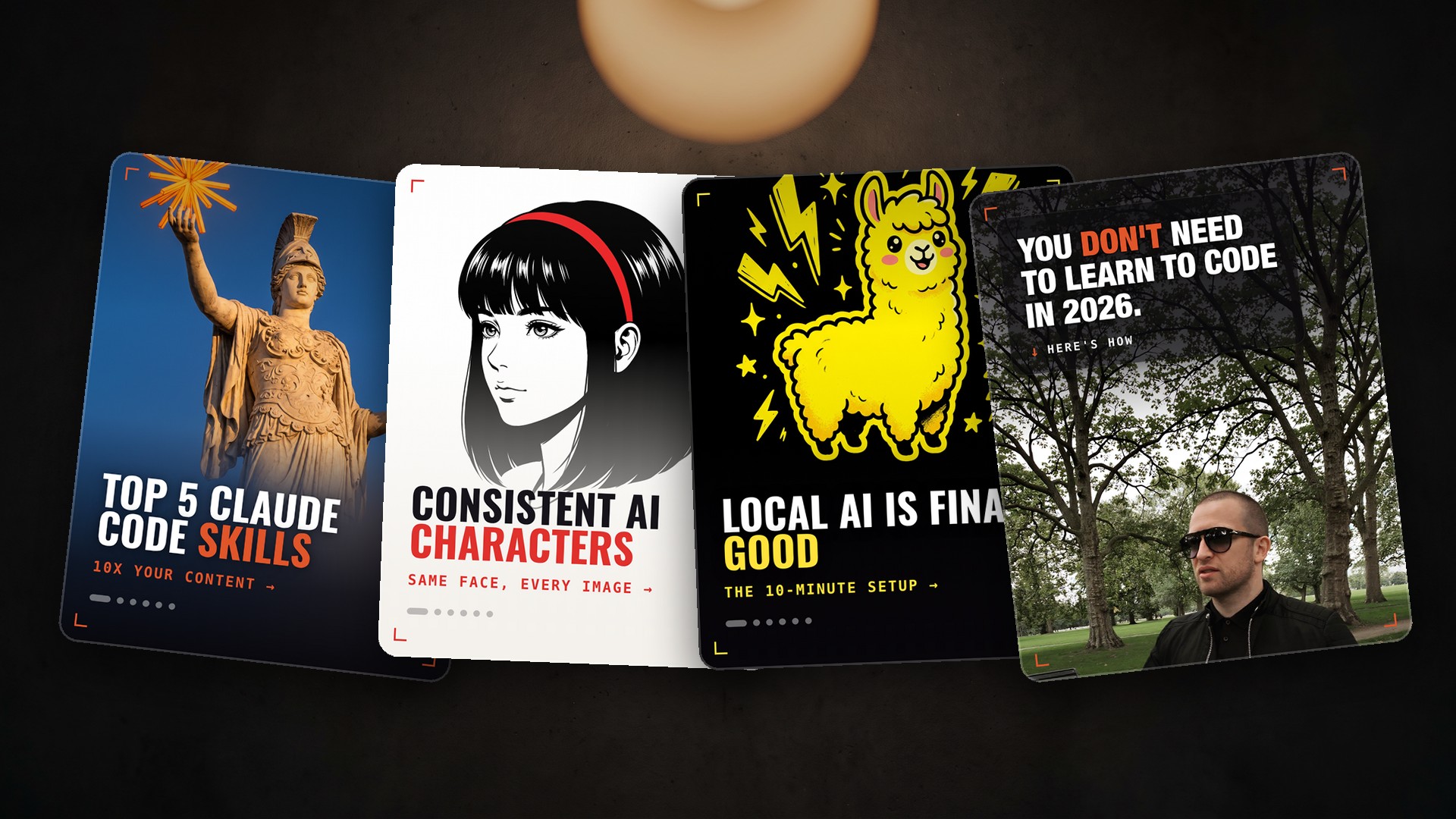
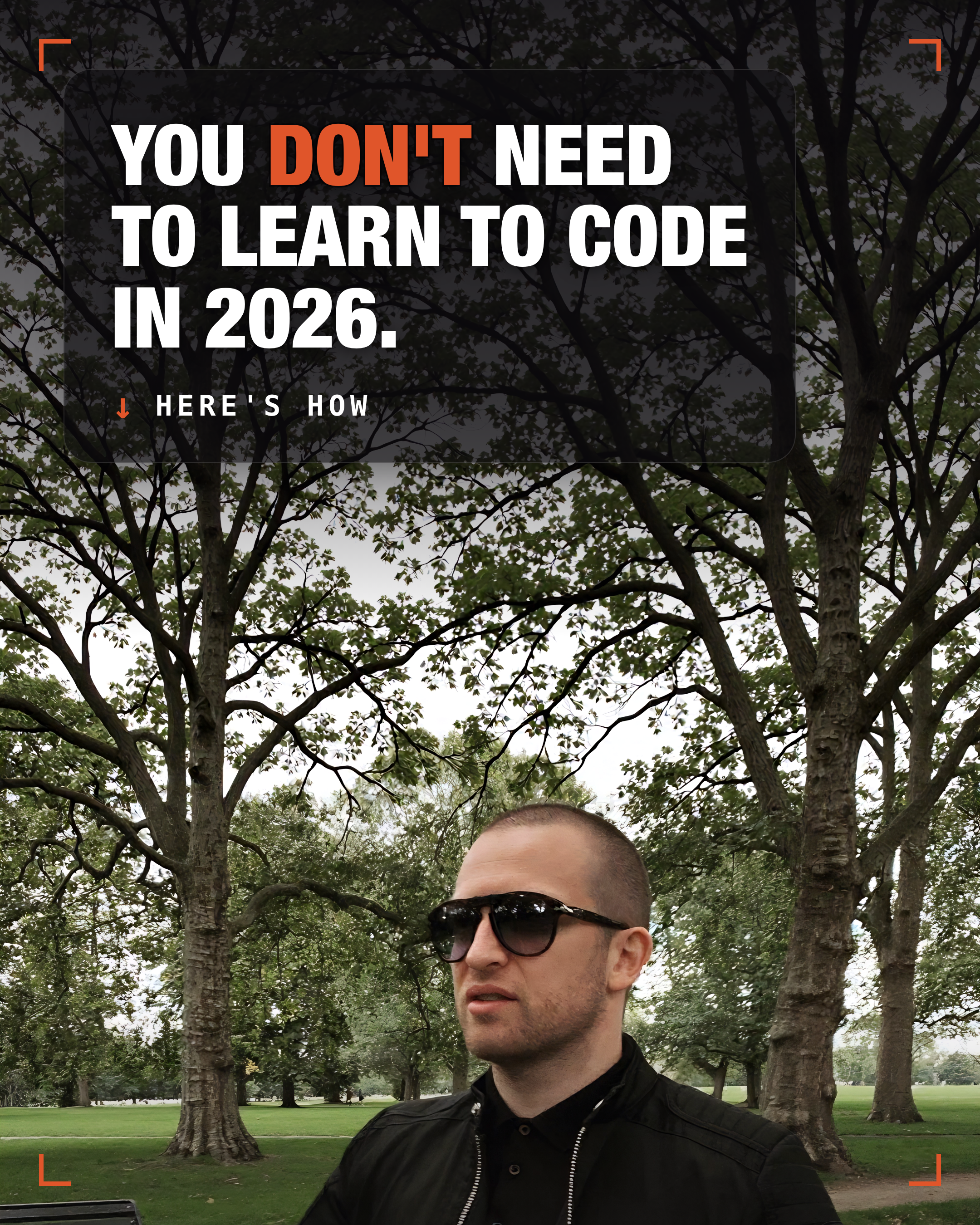
Okay, so why build carousels? Because carousels right now are the hottest engagement format on Instagram, with engagement up over 30%.
And these carousels get multiple chances to earn engagement, three times more impressions than a normal post.
And if you add music to your carousel, it gets pushed to the Reels feed.
So Reels find people and carousels convert them.
Carousels are a critical part of your social media process and a no-brainer. And now you can fully automate them.
Alright with that explained. All four came out of the same skill. The only thing that changed was one line of the prompt.
Here’s the whole setup. Takes about two minutes.
1. Download the skill
2. Install it in Claude
- Go to Settings → Capabilities and turn on Code execution and file creation
- Go to Customize → Skills
- Click the + button, then + Create skill
- Choose Upload a skill and pick the file you just downloaded
If the upload won’t accept a .skill file, rename it to .zip. It’s the same file.
3. Ask for a carousel
Paste in a post, some notes, or a video script, and say:
Make a carousel from this.
You get the slides back as images, ready to post.
4. Choose your cover
The cover is the only slide most people see, so it’s worth picking on purpose. Add one line to your request.
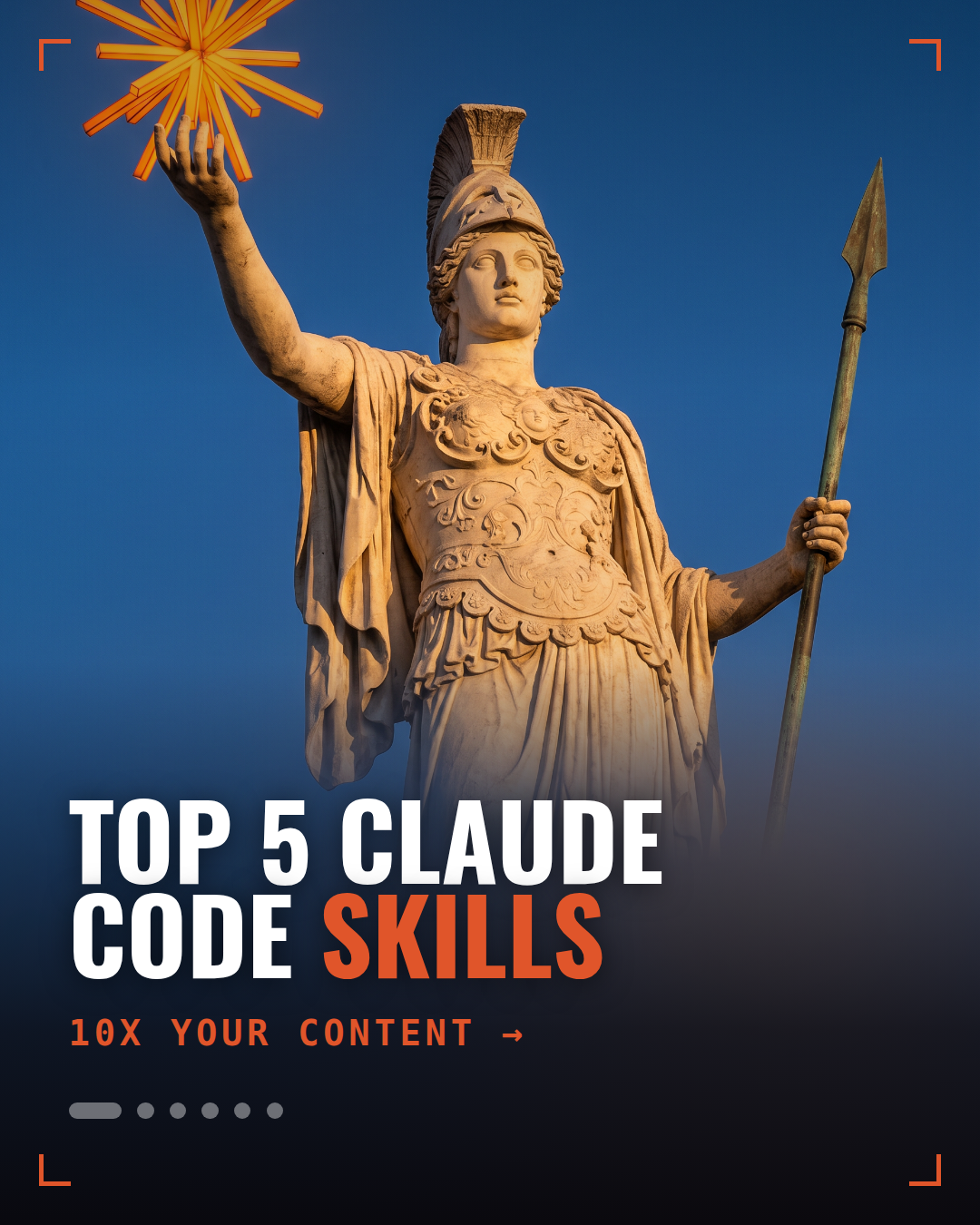
Statue — for lists, frameworks, big ideas
Make a carousel from this. Statue cover.
Want to write it yourself:
Completely textless photograph of a marble statue of a classical goddess
holding a spear, shot from below against a deep blue evening sky, warm
low sunlight on the stone, cinematic.
Leave the bottom third of the image plain and empty for text.
absolutely no text, no words, no letters, no numbers, no logos anywhere.
Character — when it’s about people
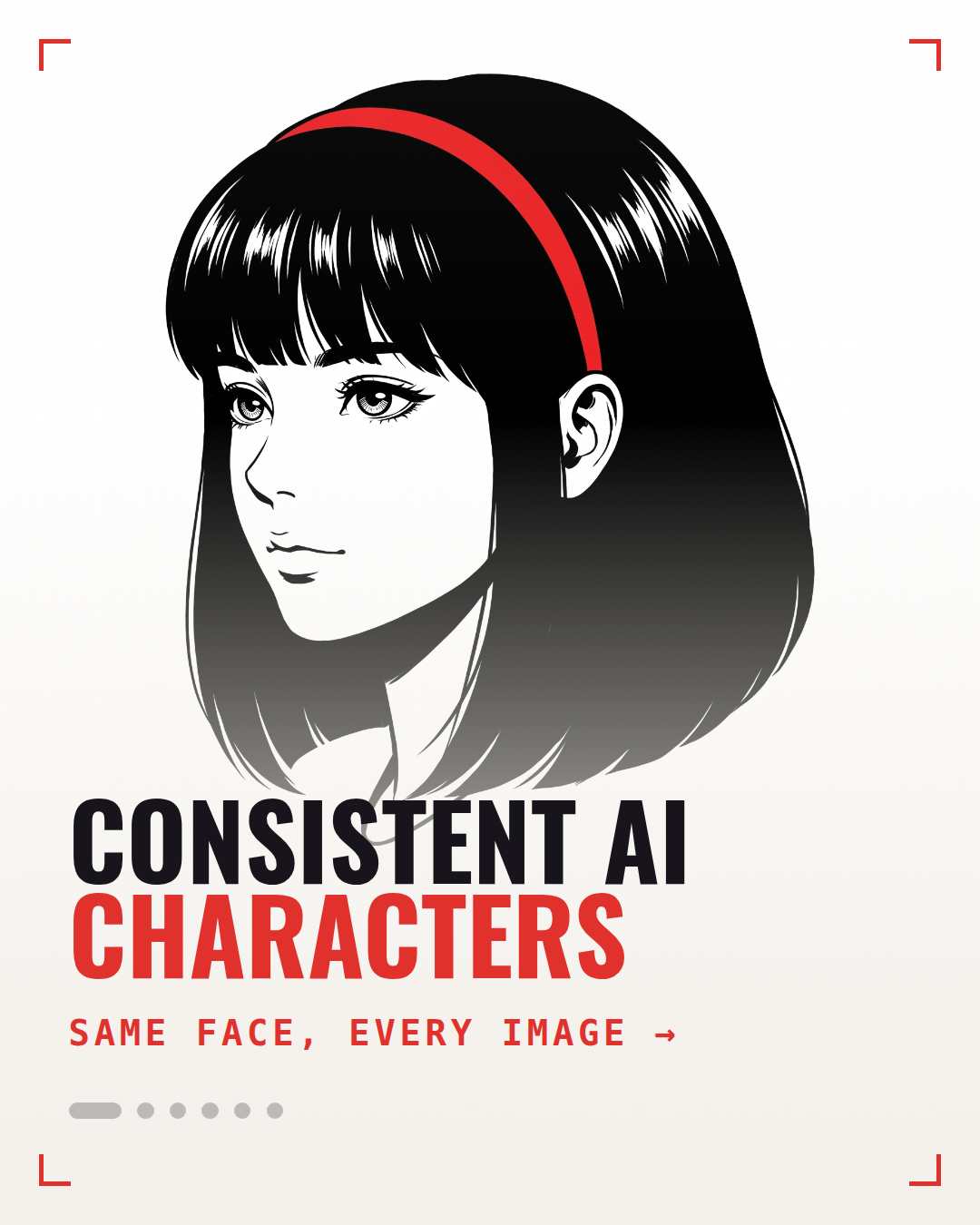
Make a carousel from this. Manga line-art character cover, light theme, red accent.
Want to write it yourself:
Completely textless flat vector illustration in bold manga line-art style:
portrait of a woman with a sharp black bob and a red headband, black ink
linework, clean white background.
Leave the bottom third of the image plain and empty for text.
absolutely no text, no words, no letters, no numbers, no logos, no speech
bubbles anywhere.
Mascot — when the tool already has one
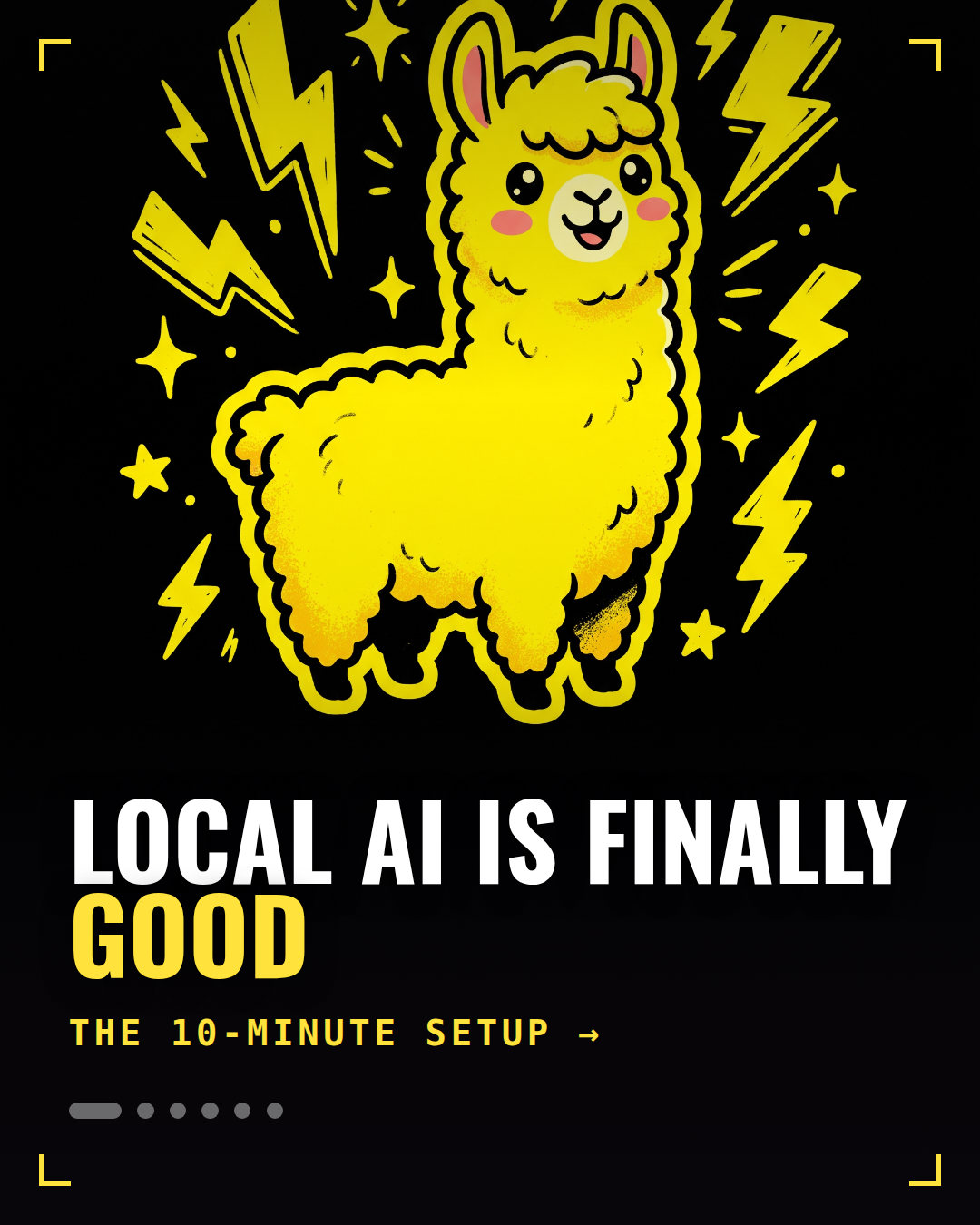
Make a carousel from this. Yellow llama sticker on black.
Want to write it yourself:
Completely textless flat sticker illustration of a cheerful yellow llama
with a thick black outline, surrounded by yellow lightning bolts and
sparkles, solid black background, bold cartoon style.
Leave the bottom third of the image solid black and empty for text.
absolutely no text, no words, no letters, no numbers, no logos anywhere.
Your own photo — for anything personal
Make a carousel from this. Use the photo I’ve attached for the cover.
No prompt needed, and no credits spent. On a story or an opinion, your own face beats anything generated.
The one rule
Never ask for words inside the image. AI still can’t spell — you’ll get CONSSITENT AI CHARACTRS across your cover.
Every prompt above ends with the same line for that reason:
absolutely no text, no words, no letters, no numbers, no logos anywhere.The skill adds the real headline on top afterwards. That’s why every prompt also says to leave the bottom third empty — it’s making room.
Cheat sheet
| Your post is about | Say this |
|---|---|
| A list or a framework | Statue cover |
| People, personas, characters | Manga line-art character cover |
| A specific tool | Sticker of its mascot |
| You, your story, your numbers | Use the photo I’ve attached |
Generate two, keep one. Switch the style up each time, or your feed turns into wallpaper.
Coffee’s ready, let’s go ☕